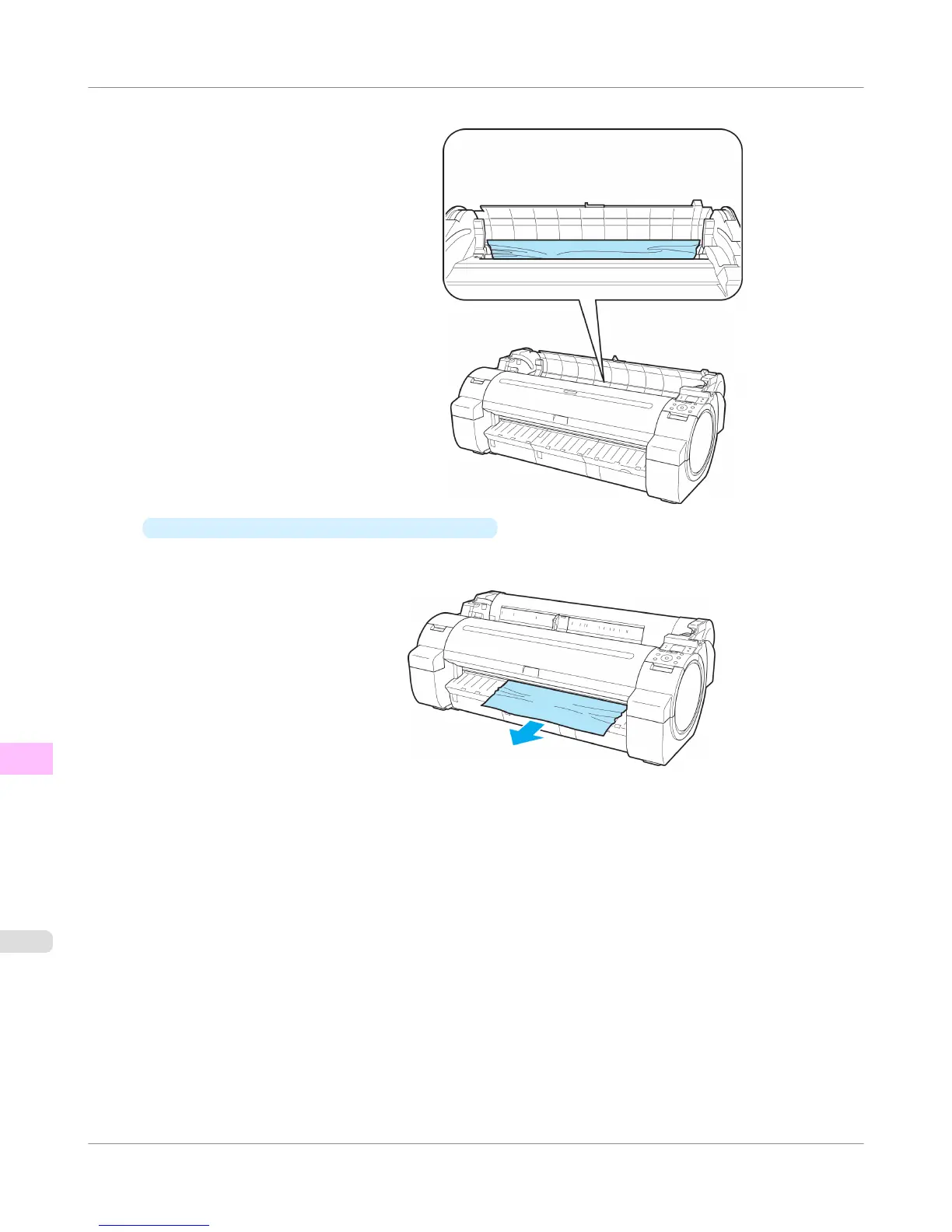
After removing the paper, make sure there are no other scraps of paper in the printer.
•
If the paper is jammed by the Ejection Guide
Remove the jammed paper from the Output Tray.
After removing the paper, make sure there are no other scraps of paper in the printer.
Troubleshooting
>
Problems Regarding Paper
>
Clearing Jammed Roll Paper
iPF755
12
844















 To Next Page