4-28
Loading and Outputting Paper
Printing from the Paper Cassette
4
•
When you change the orientation of the loaded custom size paper frequently, it is
convenient if you set CASSETTE1 SIZE and/or CASSETTE2 SIZE to MIXED SIZES.
When CASSETTE1 SIZE and/or CASSETTE2 SIZE is set to MIXED SIZES, you do not
need to specify the setting for CASSETTE1 SIZE and/or CASSETTE2 SIZE each time
the paper orientation is changed. However, observe the following when specifying
MIXED SIZES.
- Make sure that the size of the loaded paper matches the paper size specified in the
printer driver before printing. If they do not match, the printer may stop printing,
displaying the message <41 CHK PAPER SZE>, or a paper jam may occur. Be sure to
check if the paper size specified in the printer driver matches the size of the paper
loaded in the cassette before using the printer. However, if SPECIAL MODE J is set to
ON, the printer prints without checking the paper size even when the paper size
specified in the printer driver and the size of the paper loaded in the cassette do not
match. For more details, see "SPECIAL MODE J," on p. 6-31.
-When printing from UFR II Printer Driver, you can load paper either in portrait or
landscape orientation. However, when printing custom size paper of its long edges
215.9 mm or less, load the paper in landscape orientation. When you are not using
UFR II Printer Driver, load the paper in portrait orientation.
NOTE
Load custom size paper in Cassette 2 (Only when the optional paper feeder is installed)
in the same manner as you load custom size paper in Cassette 1.
1
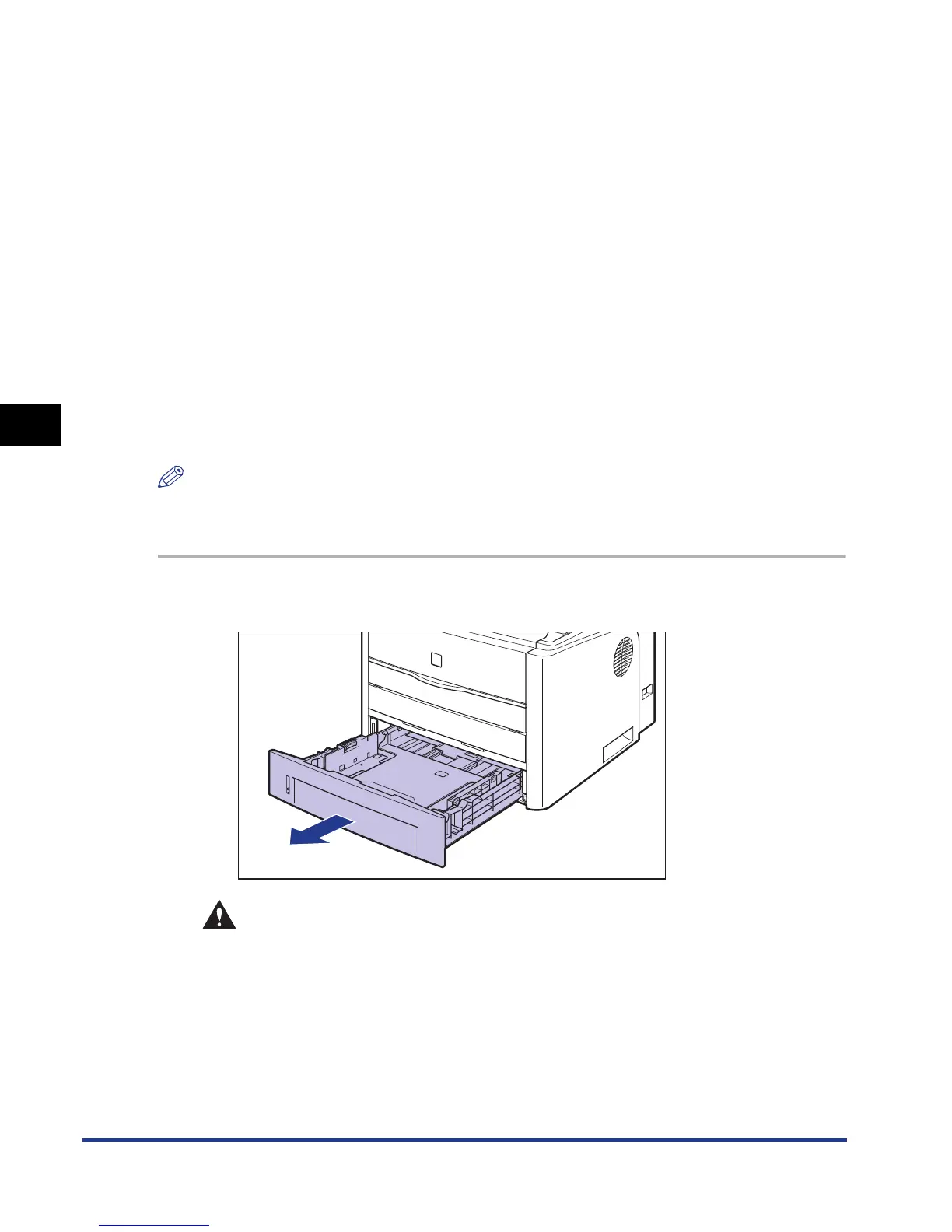
Pull out the paper cassette.
CAUTION
Be sure to take the paper cassette out of the printer before loading paper.
If paper is loaded while the paper cassette is partially pulled out, the paper
cassette may drop or the printer may become damaged resulting in
personal injury.













 To Next Page