4-29
Loading and Outputting Paper
4
Printing from the Paper Cassette
2
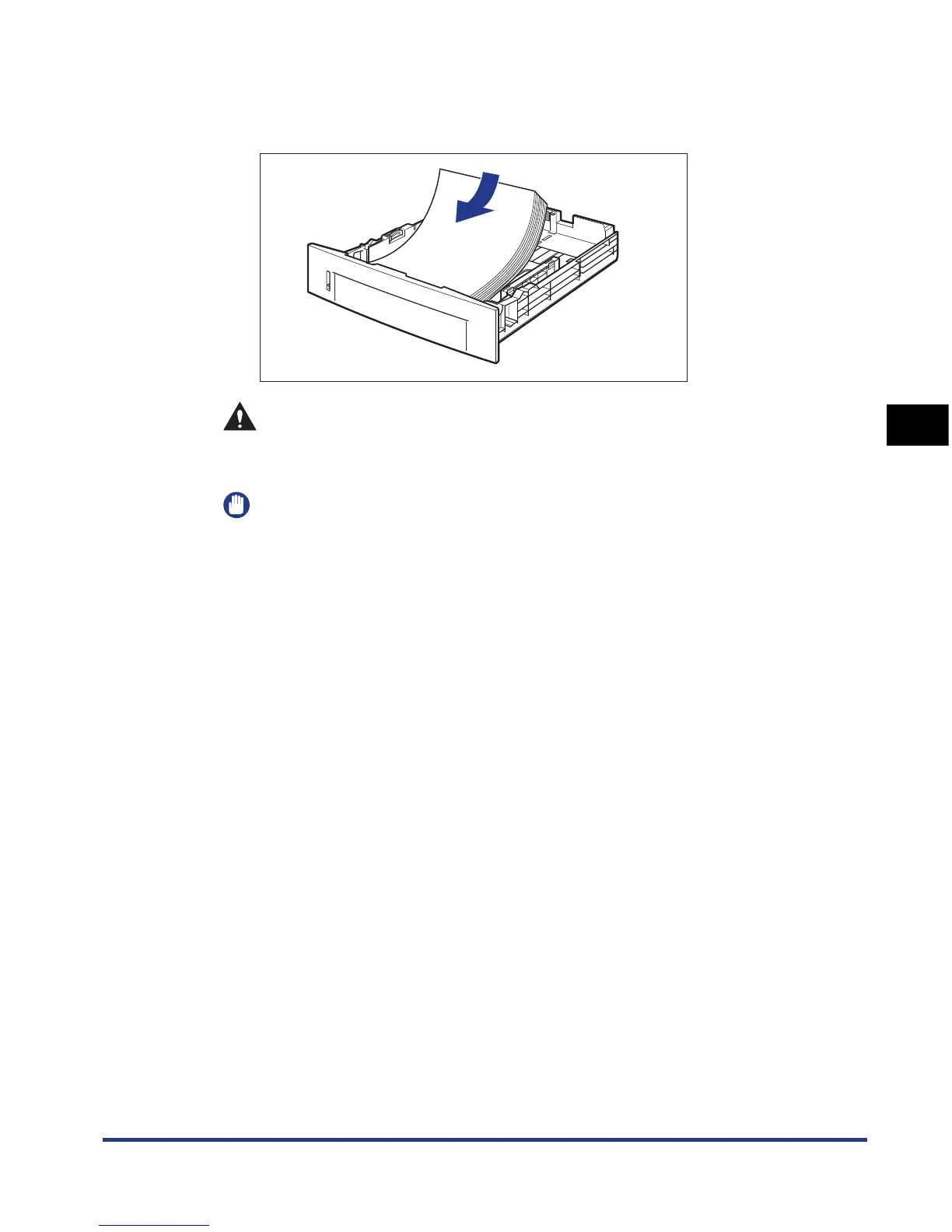
Load the paper so that the edge of the paper is aligned with
the front side of the paper cassette.
CAUTION
When loading paper, take care not to cut your hands with the edges of the
paper.
IMPORTANT
•
If you use paper that has been poorly cut, multiple sheets of paper may be fed at
once. In this case, fan the paper thoroughly, and then align the edges of the stack
on a hard, flat surface.
•
When you are printing custom size paper from UFR II Printer Driver, you can load
the paper either in portrait or landscape orientation. However, load the paper in
landscape orientation when the setting for CASSETTE1 SIZE or CASSETTE2
SIZE is set to MIXED SIZES on printing custom size paper of its long edges 215.9
mm or less. When you are not printing from UFR II Printer Driver, load the paper in
portrait orientation.













 To Next Page