4-44
Loading and Outputting Paper
Printing from the Manual Feed Slot
4
2
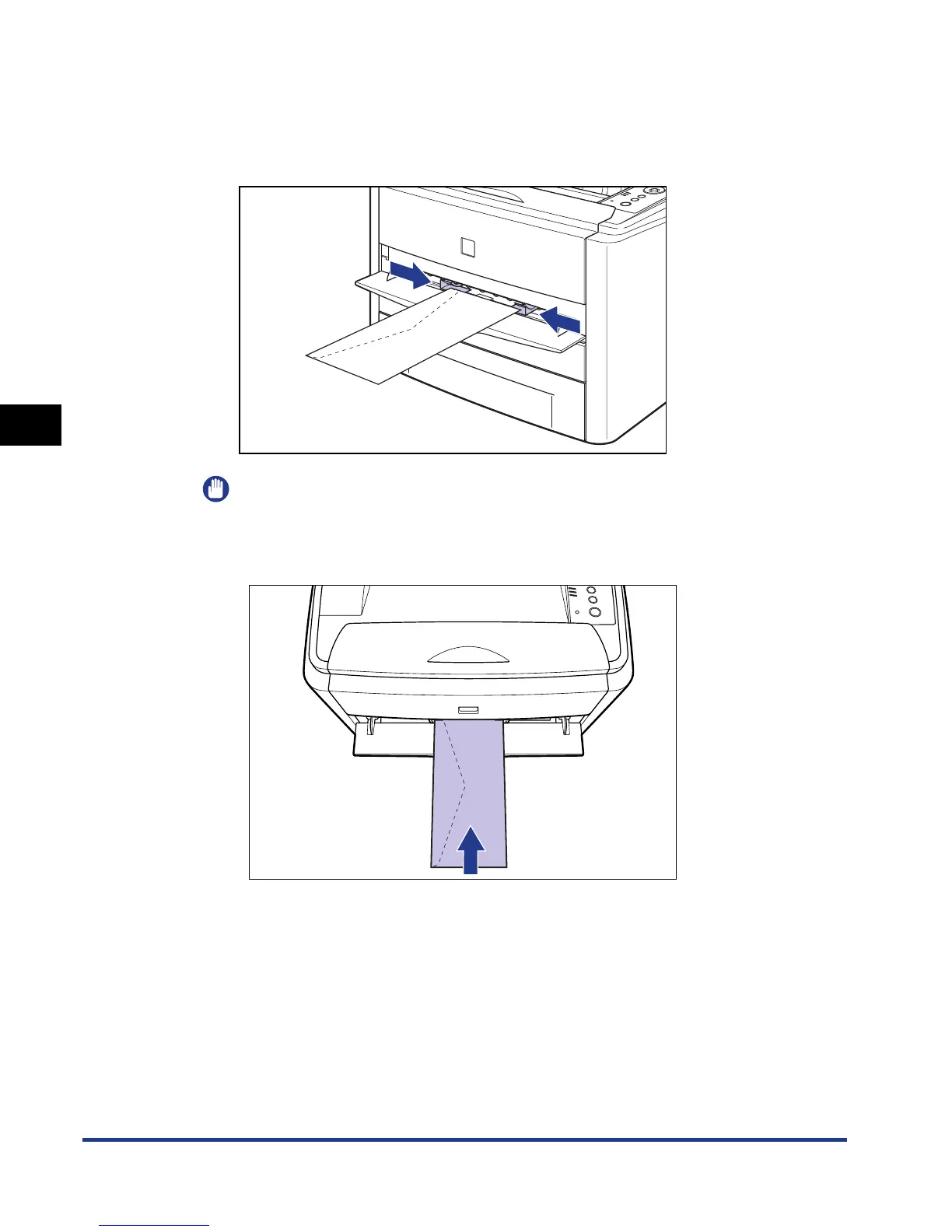
Adjust the paper guides to the width of the loaded envelope
as shown in the figure.
The paper guides move together.
IMPORTANT
•
You cannot print on the reverse side (glued side) of envelopes.
•
When loading an envelope at a size of DL, COM10, C5, or Monarch, load it so that
the flap is toward the left of the printer when viewed from the front.













 To Next Page