4-45
Loading and Outputting Paper
4
Printing from the Manual Feed Slot
•
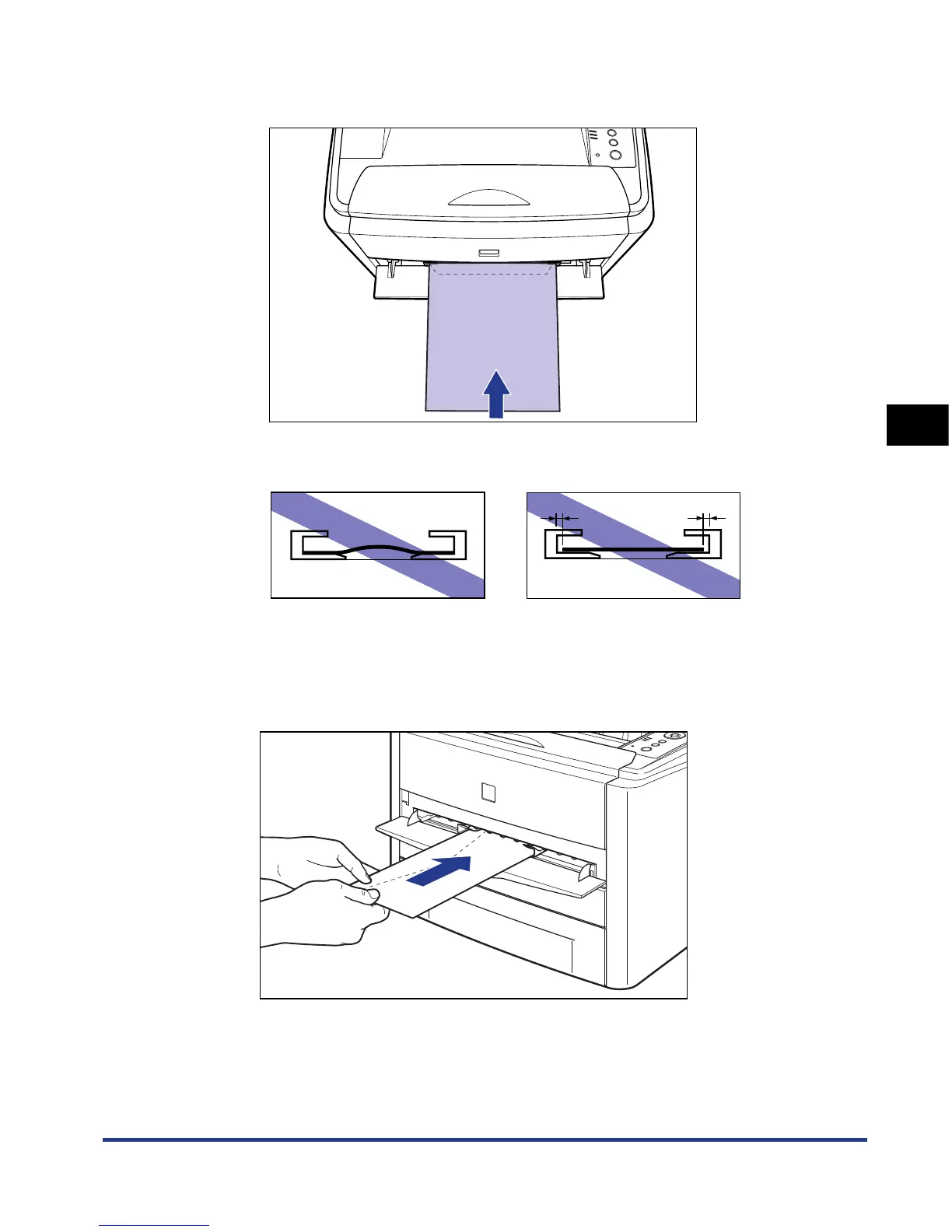
When loading an envelope of the Envelope B5 size, close the flap and load it so
that the envelope is printed from the top (the edge with the flap).
•
Be sure to align the paper guides with the width of the envelope. If the paper guides
are too loose or too tight, this may result in misfeeds or paper jams.
3
Gently insert the envelope until it touches the back of the
printer while supporting the envelope with hands as shown in
the figure.
When the envelope is loaded, it is sent into the slot a little.













 To Next Page