Installing the Paper Feeder
9-3
Installing the Optional Accessories
9
NOTE
The packing materials may be changed in form or position to be placed, or may be added
or removed without notice.
1
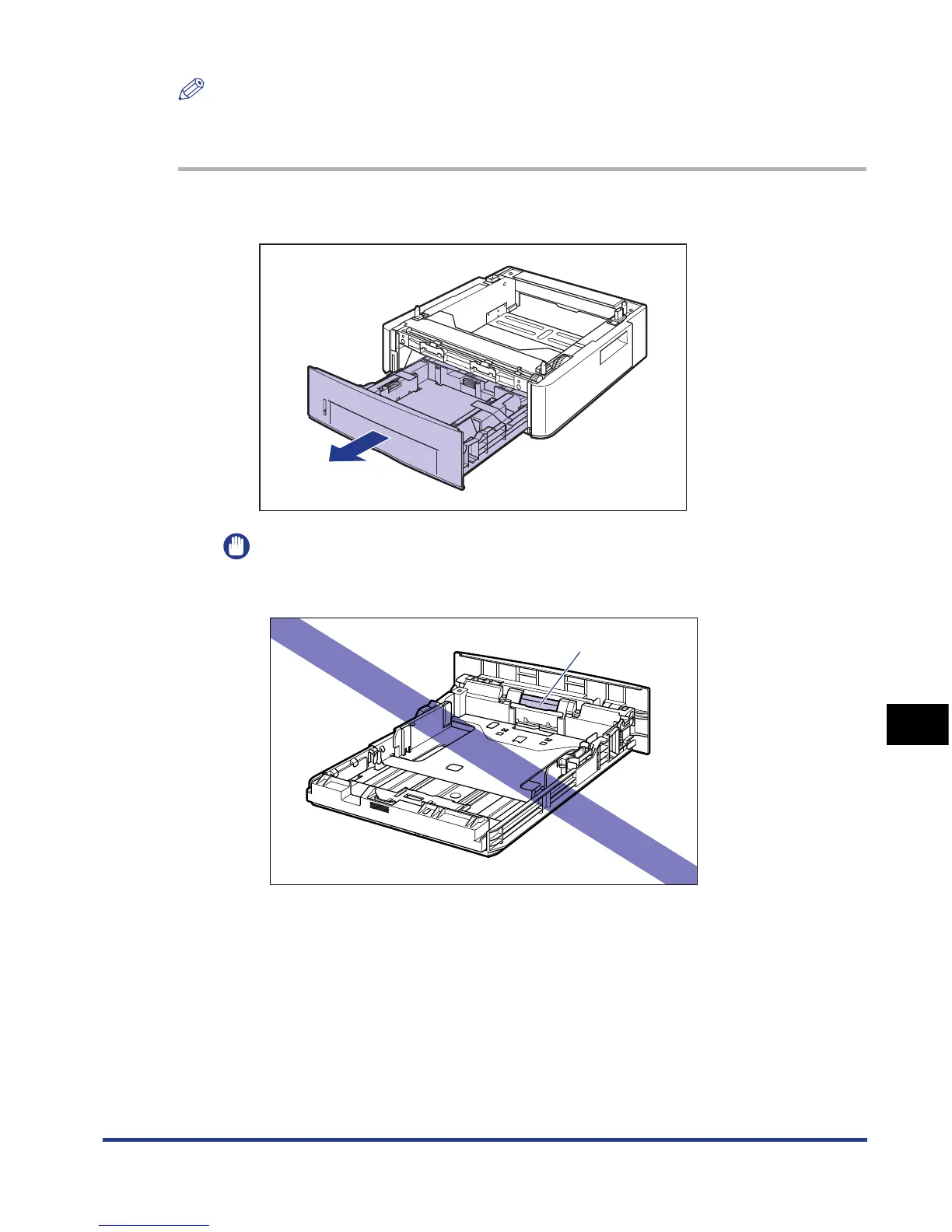
Pull out the paper cassette.
IMPORTANT
Do not touch the black rubber pad (A) in the paper cassette. This may result in
misfeeds.
(A)













 To Next Page