Installing the Paper Feeder
9-4
Installing the Optional Accessories
9
2
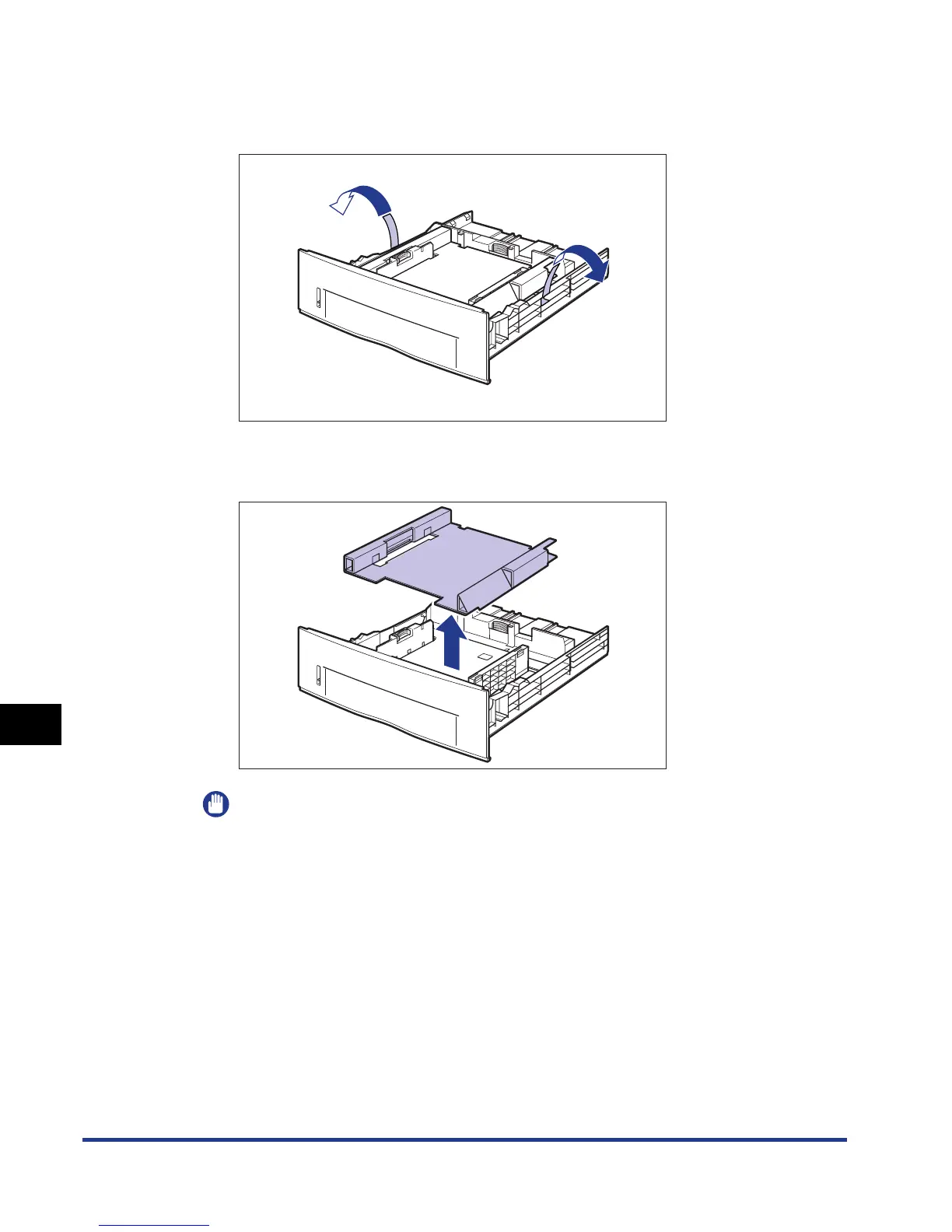
Remove the tape that is securing the packing material in the
paper cassette (2 locations).
4
3
Remove the packing material in the paper cassette.
4
IMPORTANT
The paper cassette is provided with a packing material. Be sure to take out the
paper cassette to remove the packing material.


 To Next Page
 Loading...









