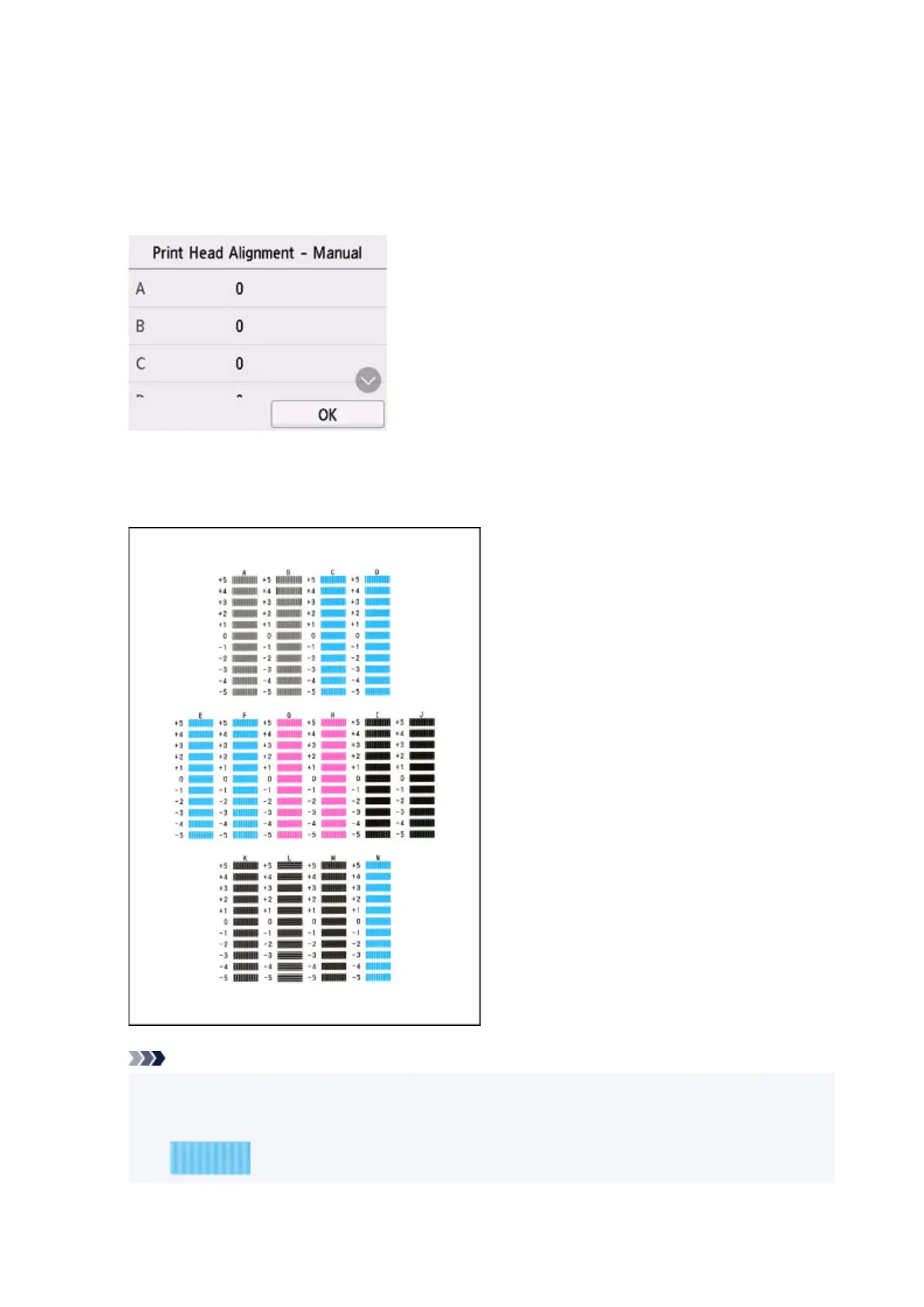
7. When Did the patterns print correctly? appears, make sure pattern was printed correctly,
and if so, select
Yes.
8. Check message and select Next.
The input screen for head position alignment values is displayed.
9. Examine first patterns and select A. In column A, find pattern in which stripes are least
noticeable, and then select the number of that pattern.
Note
• If all patterns look different, choose the pattern in which vertical stripes are least noticeable.
Subtle vertical stripes
111










 To Next Page