Making Copies
This section describes the basic procedure to perform standard copying.
1. Check that printer is turned on.
2. Load paper.
3. Select Copy on the HOME screen.
Using Touch Screen
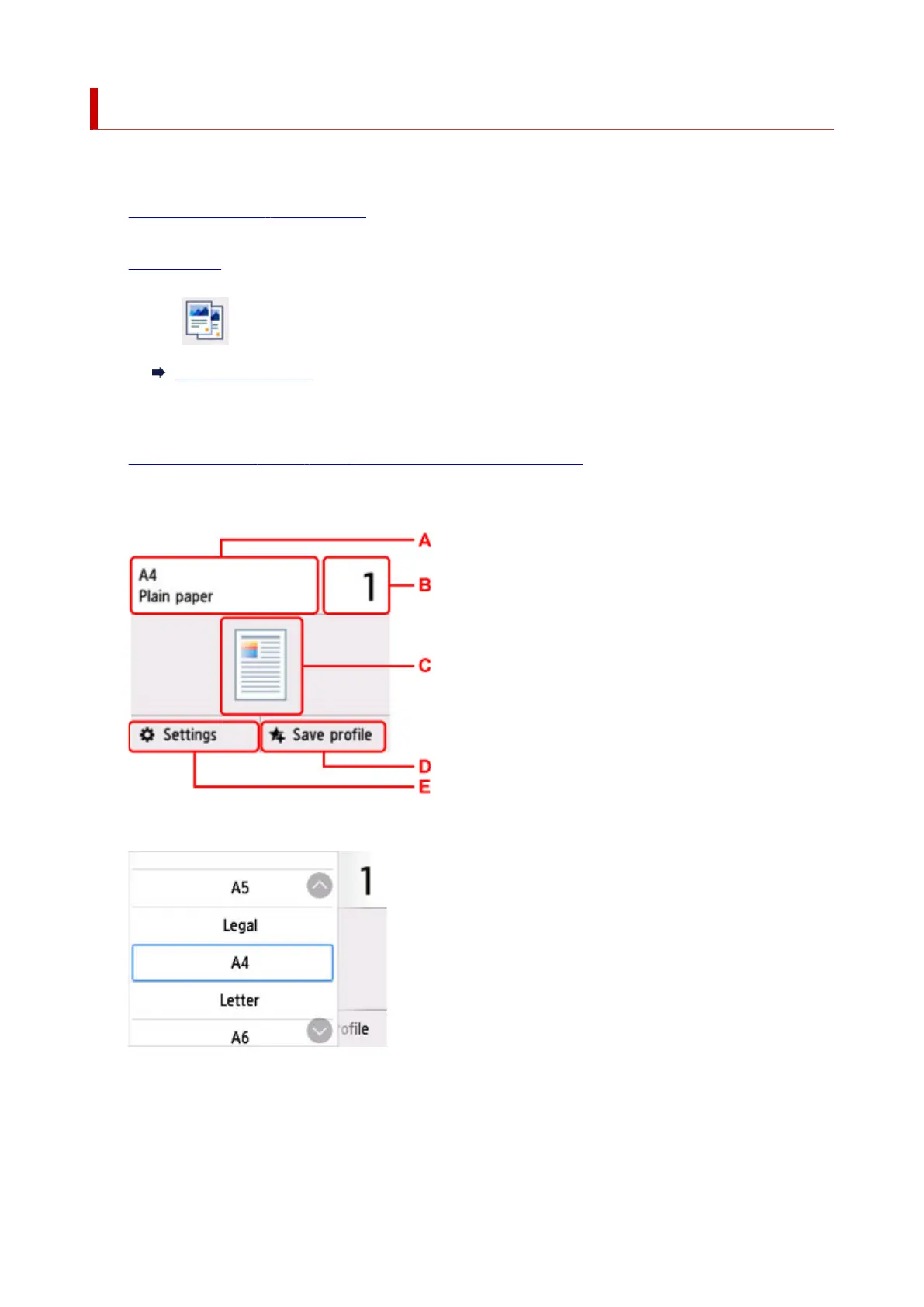
The Copy standby screen is displayed.
4. Load original on platen or in ADF (Auto Document Feeder).
5. Specify settings as necessary.
A: Specify the page size and the media type.
B: Specify the number of copies.
256










 To Next Page