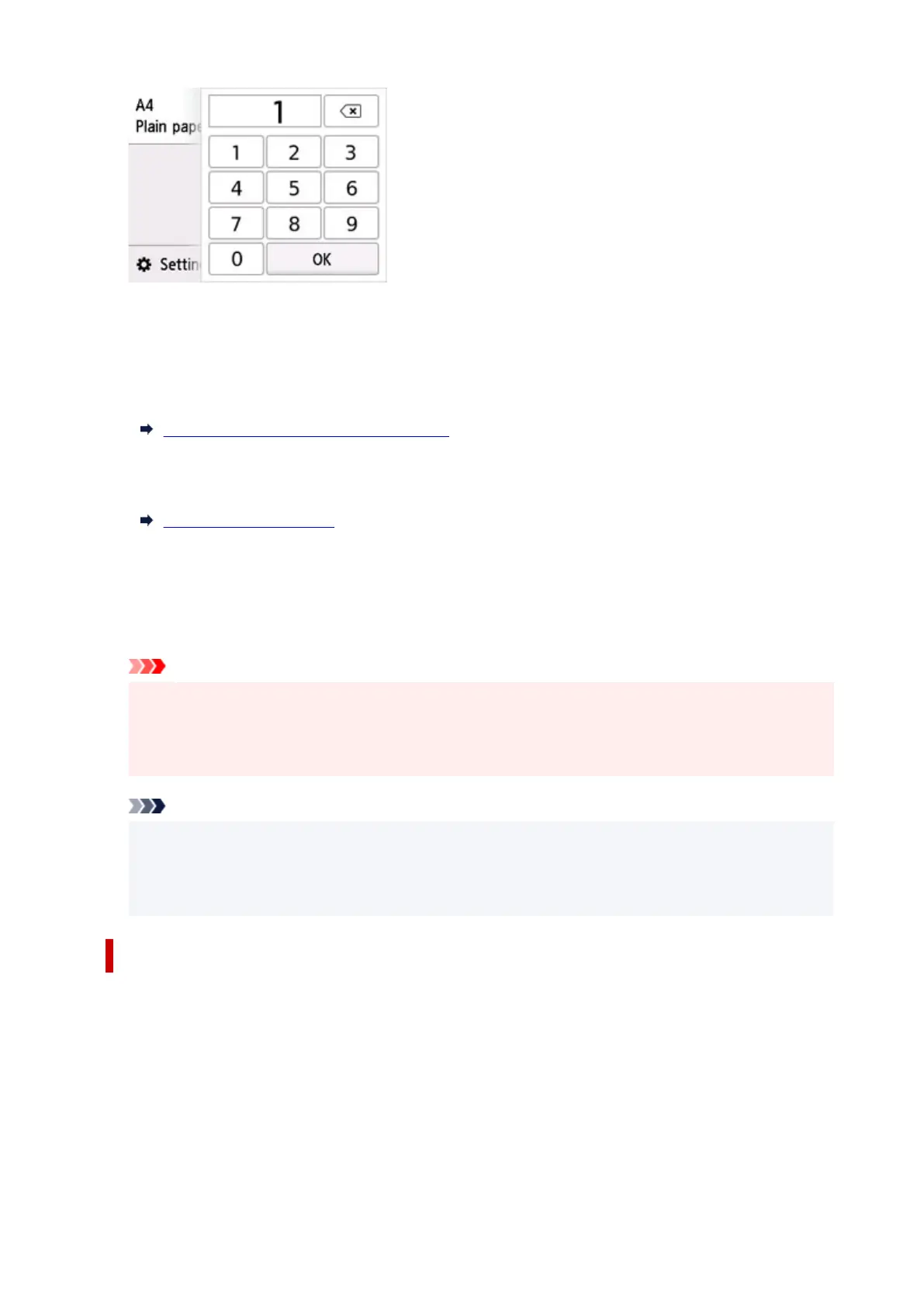
Select the numbers to specify the number of copies.
C: The scanning method and copy layout are displayed.
Switch the scanning method from the ADF and layout (single-sided/two-sided).
D: Select to register the current scan settings as a custom setting.
Registering Favorite Settings (My Presets)
E: Display the print setting items.
For more on the setting items:
Setting Items for Copying
6. Press the Black button or the Color button.
The printer starts copying.
Remove the original on the
platen or from the document output slot after copying is complete.
Important
• Do not open the document cover or remove the original from the platen until scanning is
completed.
• If you load the original in the ADF, do not move the original until copying is complete.
Note
• To cancel copying, press the Stop button.
• When the message informing you that the operation restriction is enabled, ask the administrator of
the printer you are using.
Adding Copying Job (Reserve copy)
If you load the original on the
platen, you can add the copying job while printing (Reserve copy).
The screen below is displayed when you can add the copying job.
257










 To Next Page