Other printer settings
Important
• The administrator password is required to change the settings if it is enabled to change the settings on
the operation panel using the administrator password.
• Date/time settings
Sets the current date and time.
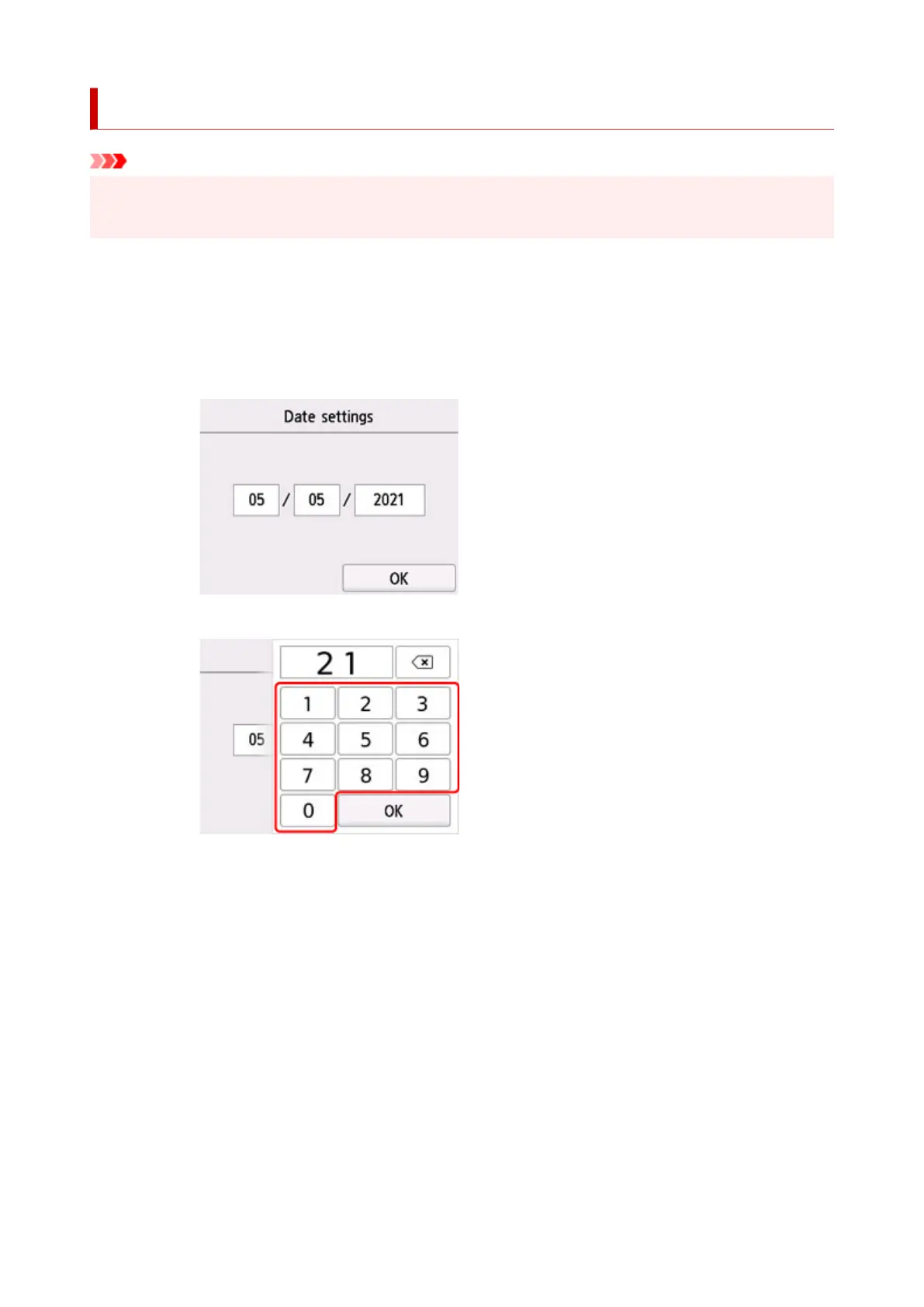
1. Set date.
1. Select a setting item to change.
2. Select number to enter.
Enter only the last two digits of the year.
3. Select OK.
4. Select OK again when all settings are completed.
2. Set time.
1. Select a setting item to change.
194










 To Next Page