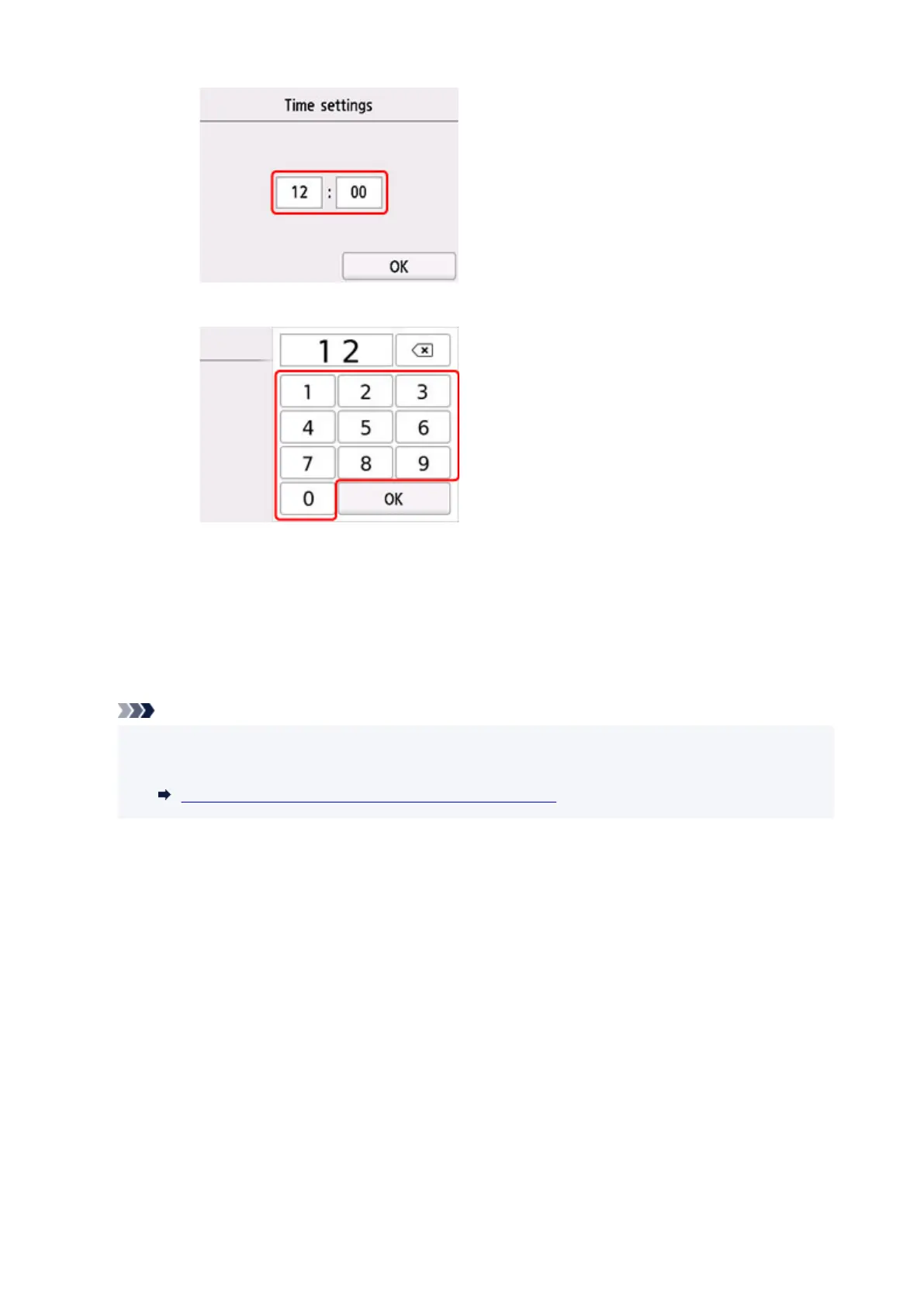
2. Select number to enter.
Enter the date and time in 24-hour format.
3. Select OK.
4. Select OK again when all settings are completed.
• Date display format
Sets the format of dates displayed on the touch screen and printed on photos.
Note
• When ON is selected for Print date on the print settings screen in printing from a USB Flash Drive,
the date is printed in the date display format you selected.
Setting Items for Photo Printing Using Operation Panel
• Daylight saving time setting
Enables/disables the summer time setting. If you select
ON, you can select additional sub-settings. This
setting may not be available depending on the country or region of purchase.
◦ Start date/time
Sets the date and time that summer time starts.
Month: Specify the month.
Week: Specify the week.
DOW: Specify the day of the week.
The screen to set the shift time to start summer time will be displayed after specifying the items
above and selecting OK
.
After specifying the shift time and selecting OK, you can specify the end date/time.
◦ End date/time
195










 To Next Page