Setting Items for Copying
You can change the copy settings such as magnification and intensity.
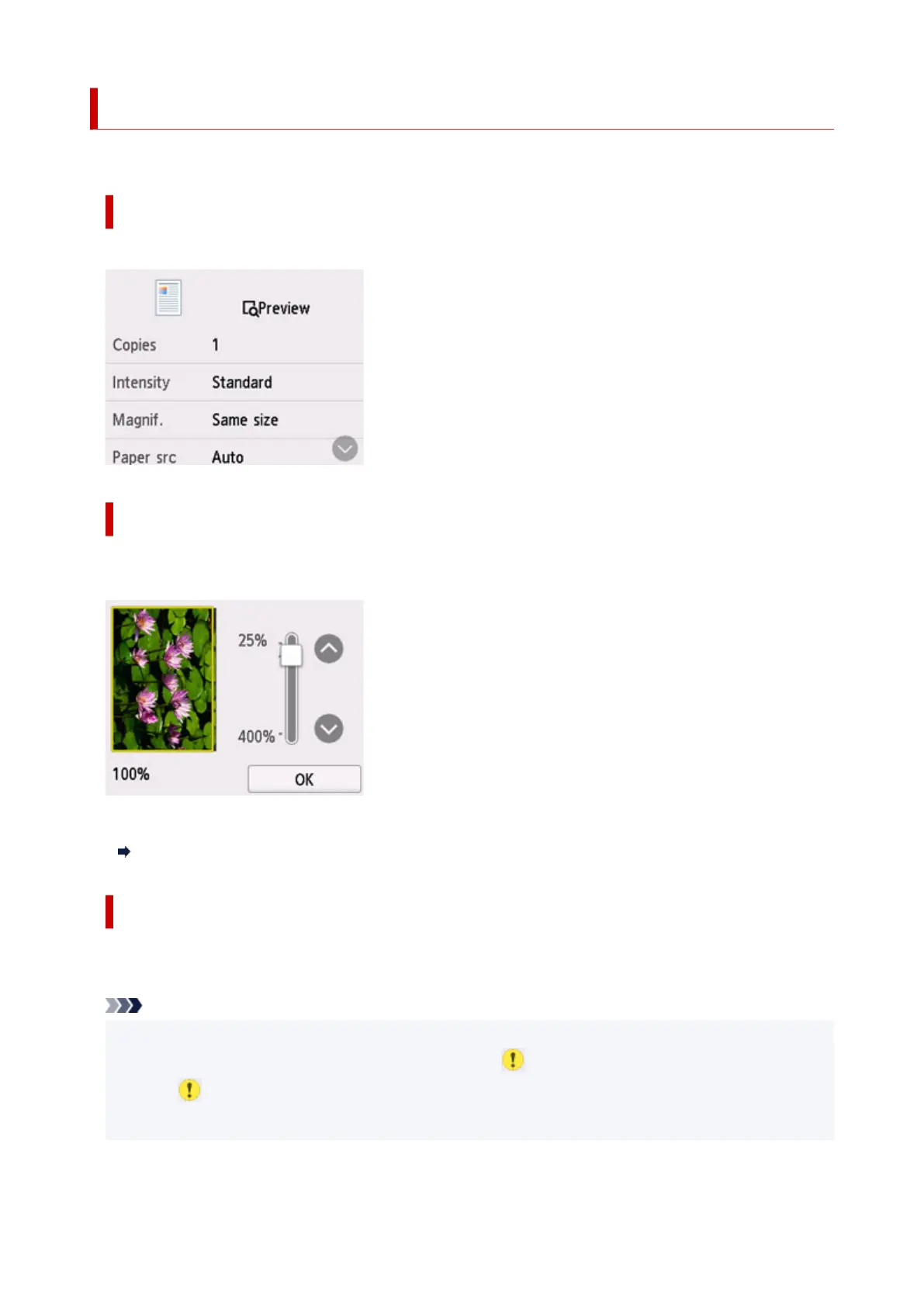
Print Settings Screen
The following screen is displayed by selecting Settings in the Copy standby screen.
Preview
When Preview is displayed on the print settings screen, selecting Preview allows you to preview an
image of the printout on the preview screen.
For details, see below.
Displaying Preview Screen
Setting Items
Flick to display setting items and select the setting item to display the settings. Select to specify the
setting.
Note
• Some settings cannot be specified in combination with the setting of other setting item. If the setting
which cannot be specified in combination is selected, appears on the touch screen. In this case,
select
on the upper left on the touch screen to check the message and change the setting.
• The settings of the page size, media type, etc. are retained even if the printer is turned off.
259










 To Next Page