Loading Documents in the ADF (Auto Document Feeder)
Load A4, B5, A5, letter-size originals in the ADF (Auto Document Feeder)
.
Important
• Be careful not to let anything get inside the document output slot. It may cause damage.
Note
• To scan a document at optimum quality, load it on the platen.
• The double-sided original cannot be scanned automatically with ADF.
1. Make sure any original has been removed from platen.
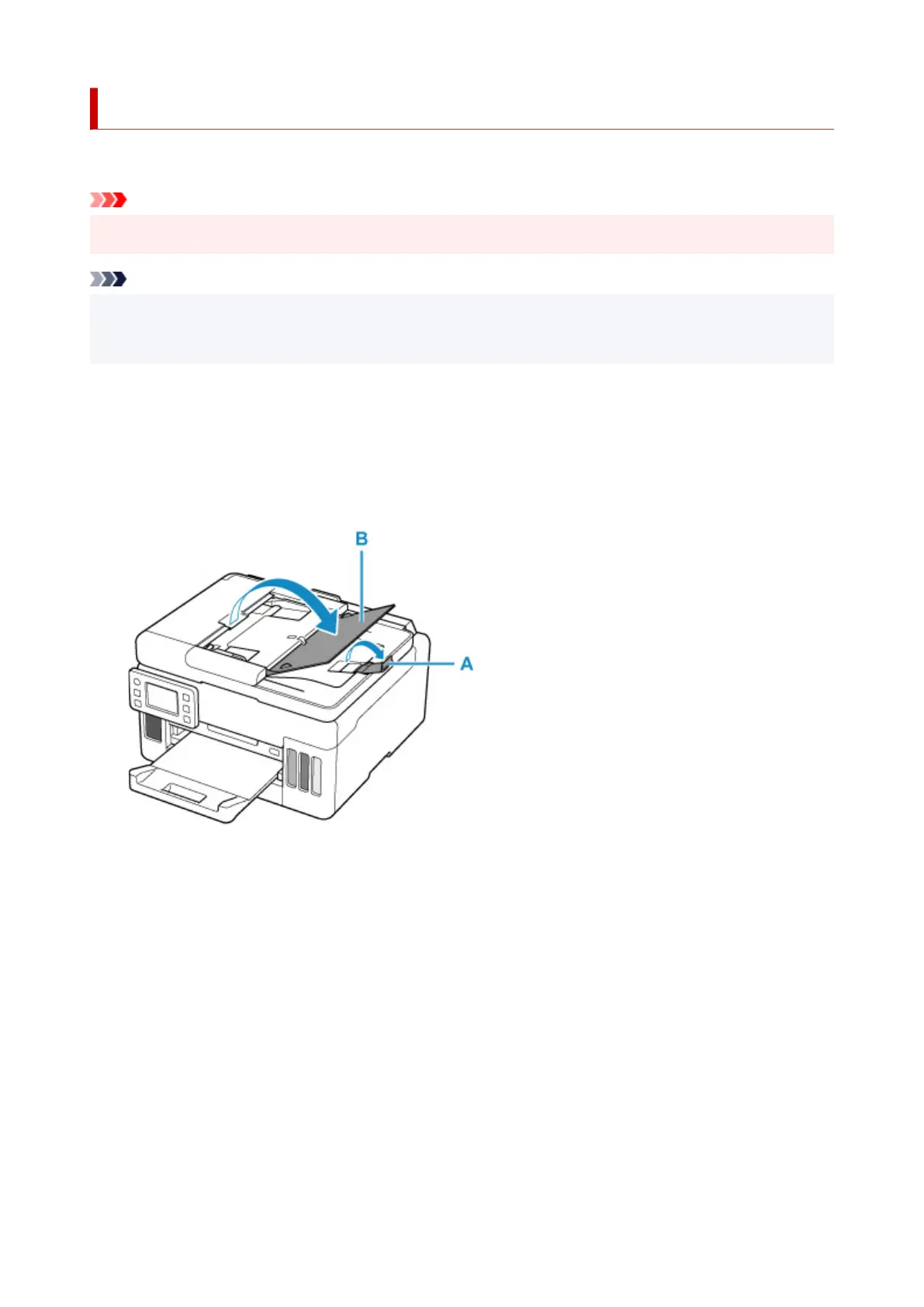
2. Open document stopper (A).
3. Open document tray (B).
4. Slide the document guide (C) all the way out.
78










 To Next Page