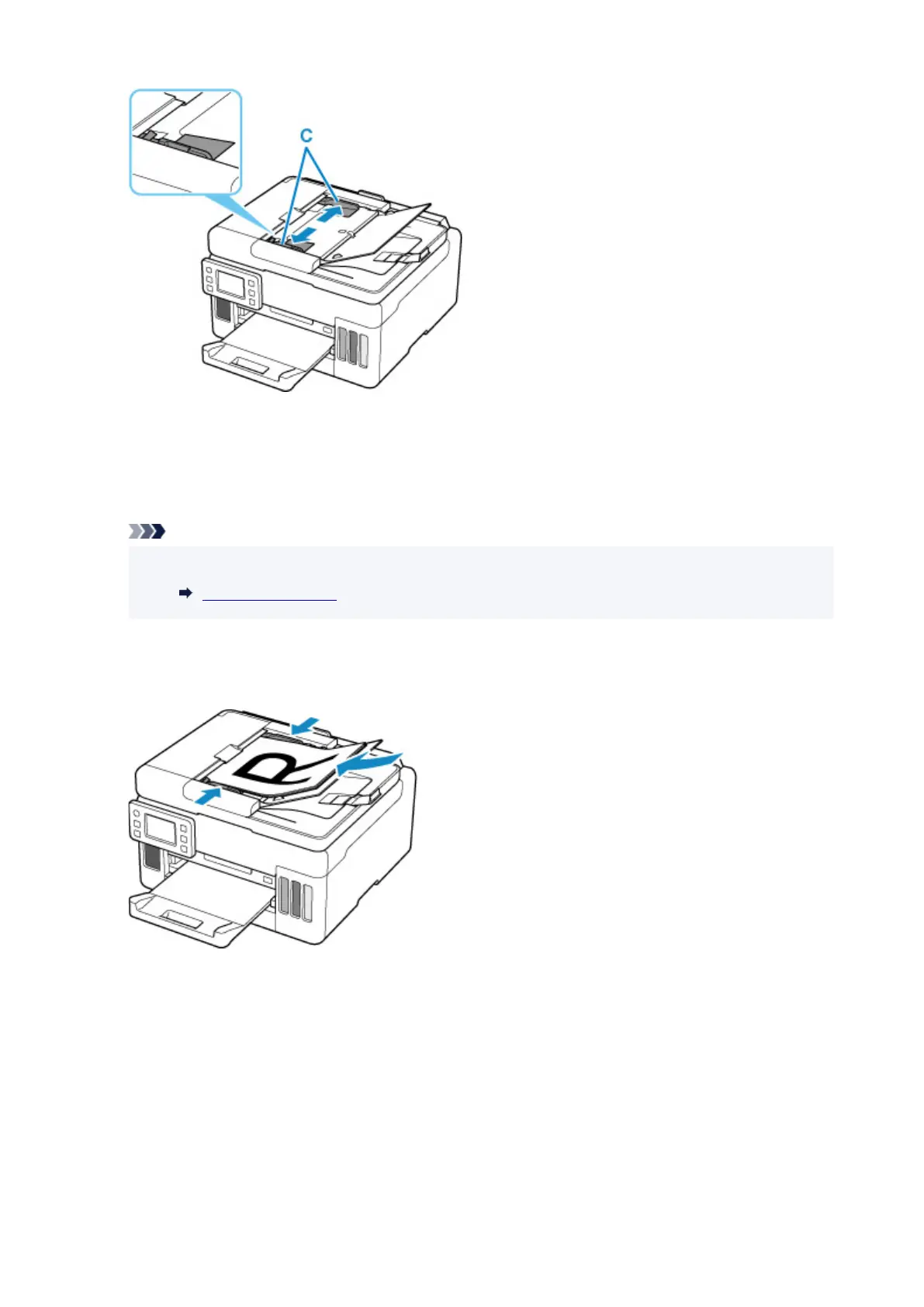
5. Insert document WITH SIDE TO SCAN FACING UP in document tray, until you hear a
beep sound.
Insert the document until it stops.
Note
• For details on the supported originals, see below.
Supported Originals
6. Adjust document guide to match width of document.
Do not slide the document guide
too hard against the document. The document may not be fed properly.
79










 To Next Page