Inserting a USB Flash Drive
Supported Image Files
• Can print JPEG data taken with cameras conforming to Design Rule for Camera File System
specifications, as well as TIFF images. Both types of images must conform to Exif 2.2/2.21/2.3. Other
types of images or movies such as RAW images cannot be printed.
• Can print images scanned and saved by the printer itself with Doc.type set to Photo and Format set
to JPEG (file extension ".jpg").
Note
• This device incorporates exFAT technology licensed from Microsoft.
• If the USB flash drive does not fit in the printer's USB flash drive port, you may need an extension
cable for it. This accessory is available at electronics stores.
• Not all USB flash drives may be detected by the printer, and correct operation is not guaranteed.
• Secure USB flash drives may not be compatible.
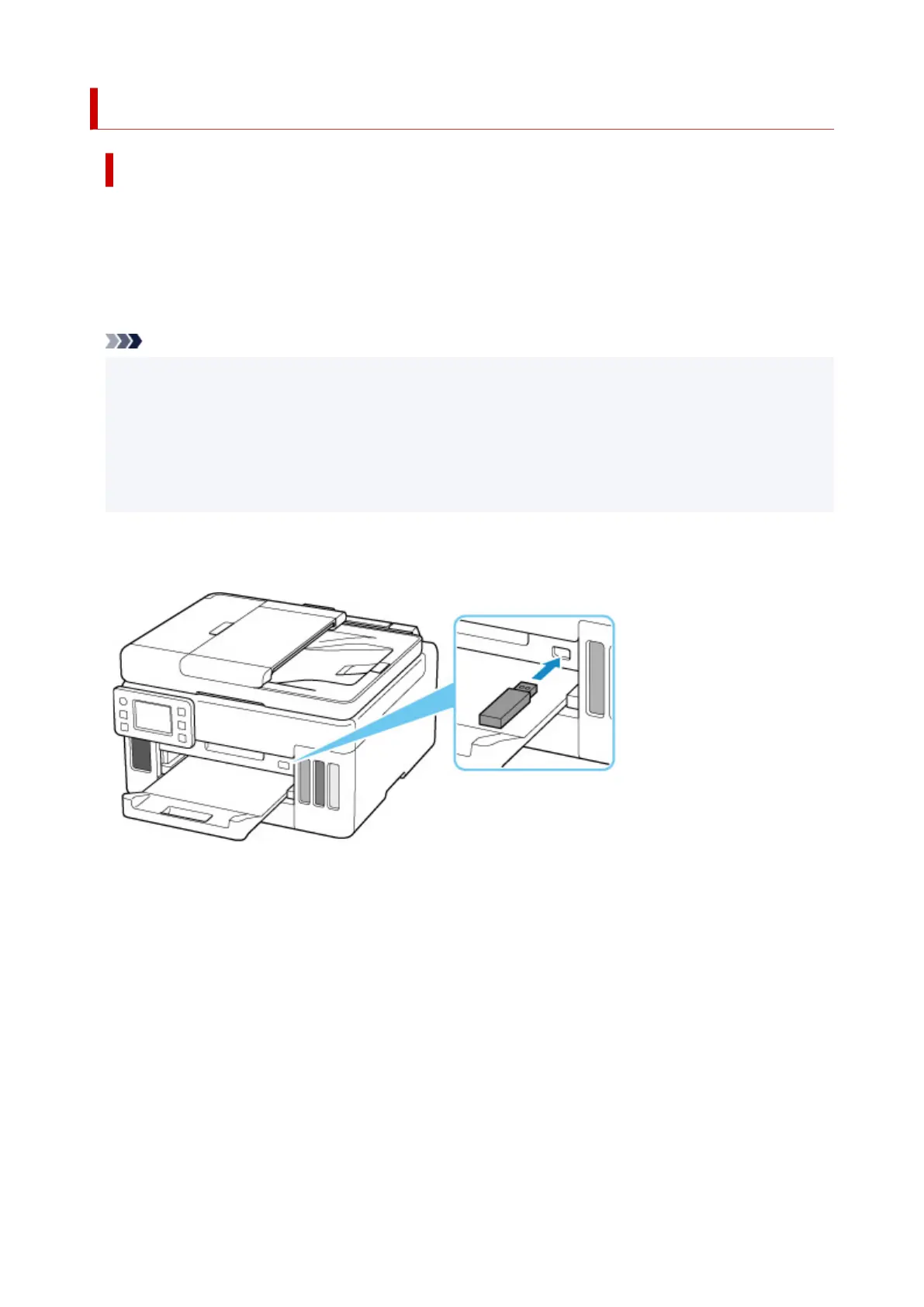
Insert the USB flash drive into the USB flash drive port.
Make sure the USB flash drive is right-side up and insert it straight into the port.
86










 To Next Page