Cleaning Paper Feed Rollers
If the paper feed roller
is dirty or paper powder is attached to it, paper may not be fed properly.
In this case, clean the paper feed roller. Cleaning will wear out the paper feed roller, so perform this only
when necessary.
You need to prepare: three sheets of A4 or Letter-sized plain paper
1.
Check that printer is turned on.
2. Select (Setup) on HOME screen.
Using Touch Screen
The setup menu screen will appear.
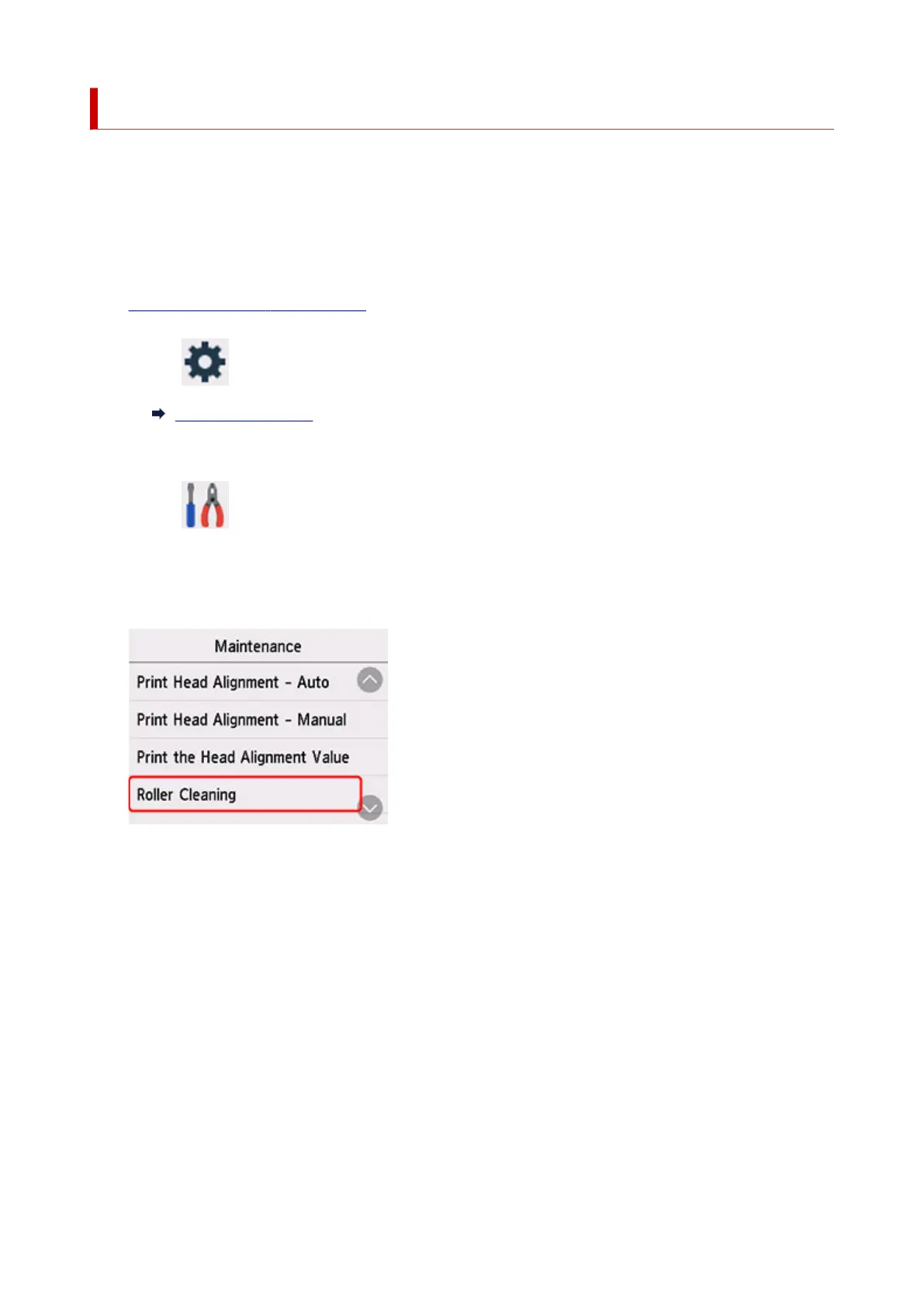
3. Select Maintenance.
The Maintenance screen will appear.
4. Select Roller Cleaning.
The confirmation screen will appear.
5. Select Yes.
6. Select Rear tray or Cassette to clean the paper feed roller.
7. Follow the message to remove any paper from the paper source.
If you clean the paper feed roller of cassette, remove any paper from the cassette, then push it back.
8. Select
OK.
The paper feed roller will rotate as it is cleaned without paper.
121










 To Next Page