9. Make sure that the paper feed roller has stopped rotating, then follow the message to load
the three sheets of A4 or Letter-sized plain paper.
Loading Plain Paper / Photo Paper in Rear Tray
Loading Plain Paper in Cassette
10. Select OK.
The printer
starts cleaning. The cleaning will be complete when the paper is ejected.
11. When the completion message appears, select OK.
If the problem is still not resolved with the operation described above, follow the operation below.
1. Turn off the power and then unplug the power cord.
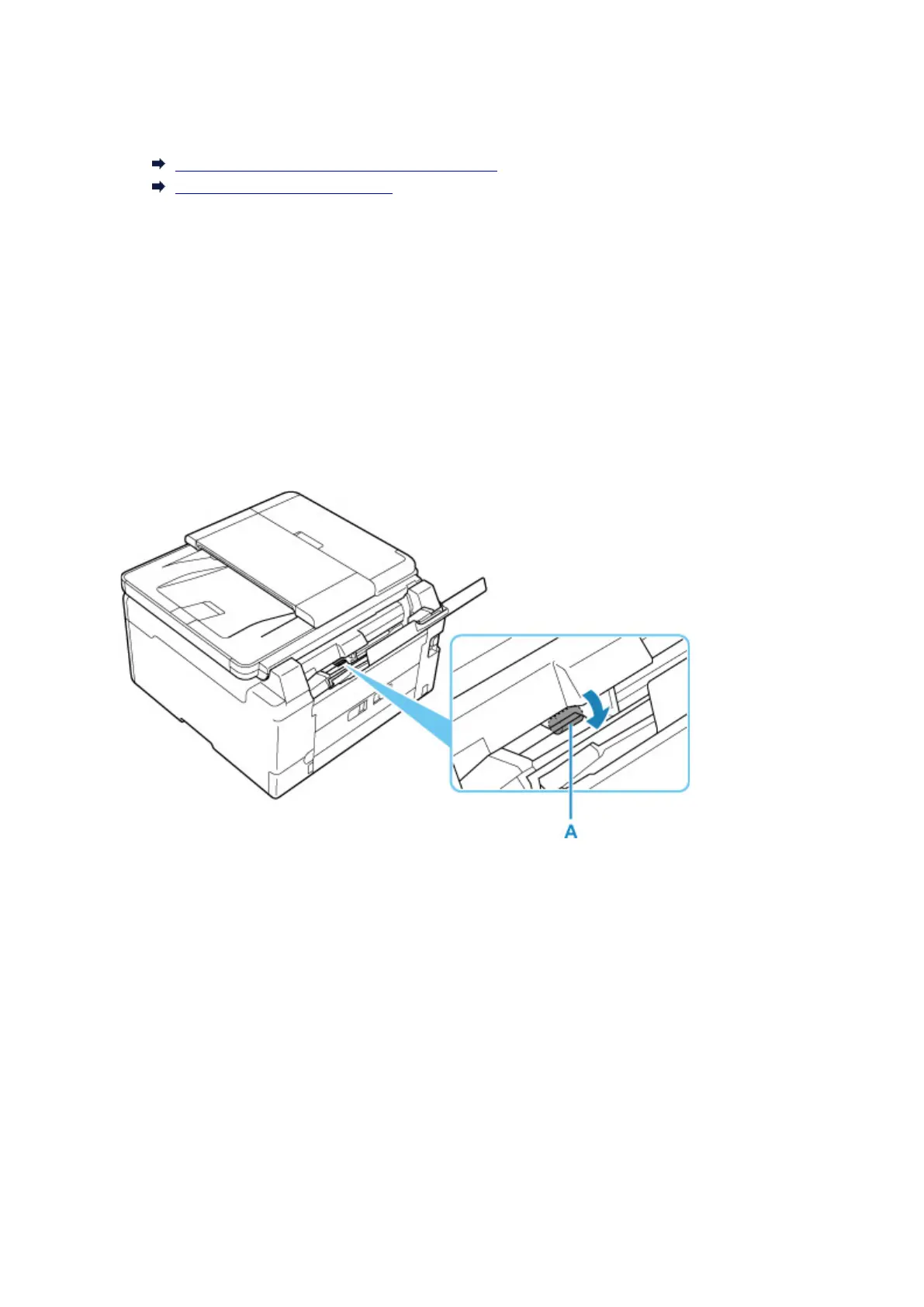
2. While rotating the paper feed rollers (A) located inside the rear tray more than two laps, wipe them with
a cloth tightly squeezed after moistening.
Do not touch the paper feed rollers with your fingers.
Paper feeding performance may be degraded.
3. Turn on the power, then clean the paper feed rollers again.
If the problem is not resolved after cleaning the paper feed roller
, contact your nearest Canon service center
to request a repair.
122










 To Next Page