Quiet setting
Enables this function on the printer if you want to reduce the operating noise, such as when printing at night.
In addition, you can specify the time range to reduce the operating noise.
Important
• Set the current date and time in advance.
Date/time settings
Follow the procedure below to perform setting.
1. Check that printer is turned on.
2. Select (Setup) on the HOME screen.
Using Touch Screen
3. Select Quiet setting.
4. Select ON or Use during specified hours.
• When ON is selected:
You can reduce the operating noise while printing is in progress.
• When Use during specified hours is selected:
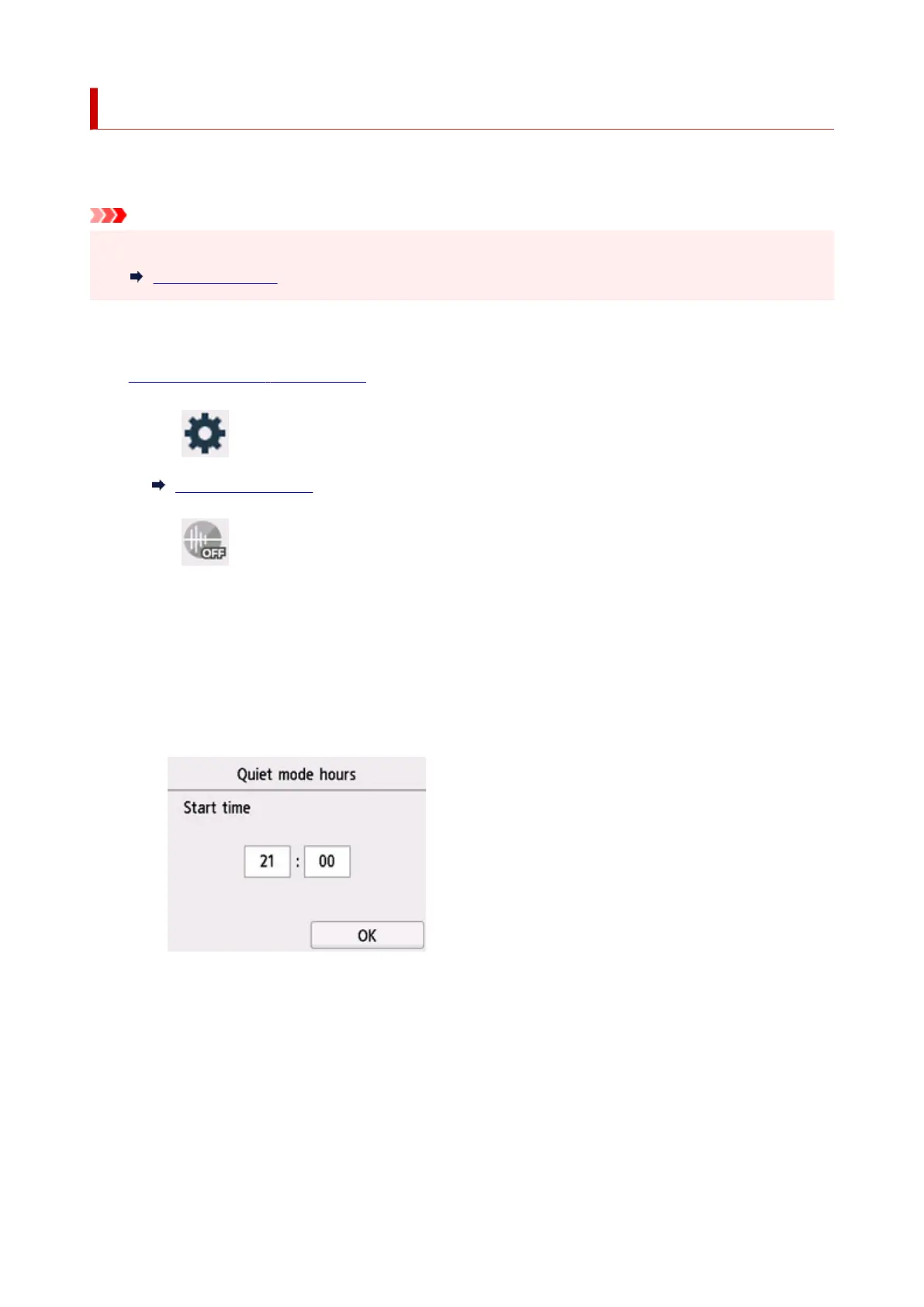
The screen to specify starting/ending time is displayed.
Tap Time and specify Start time.
209










 To Next Page