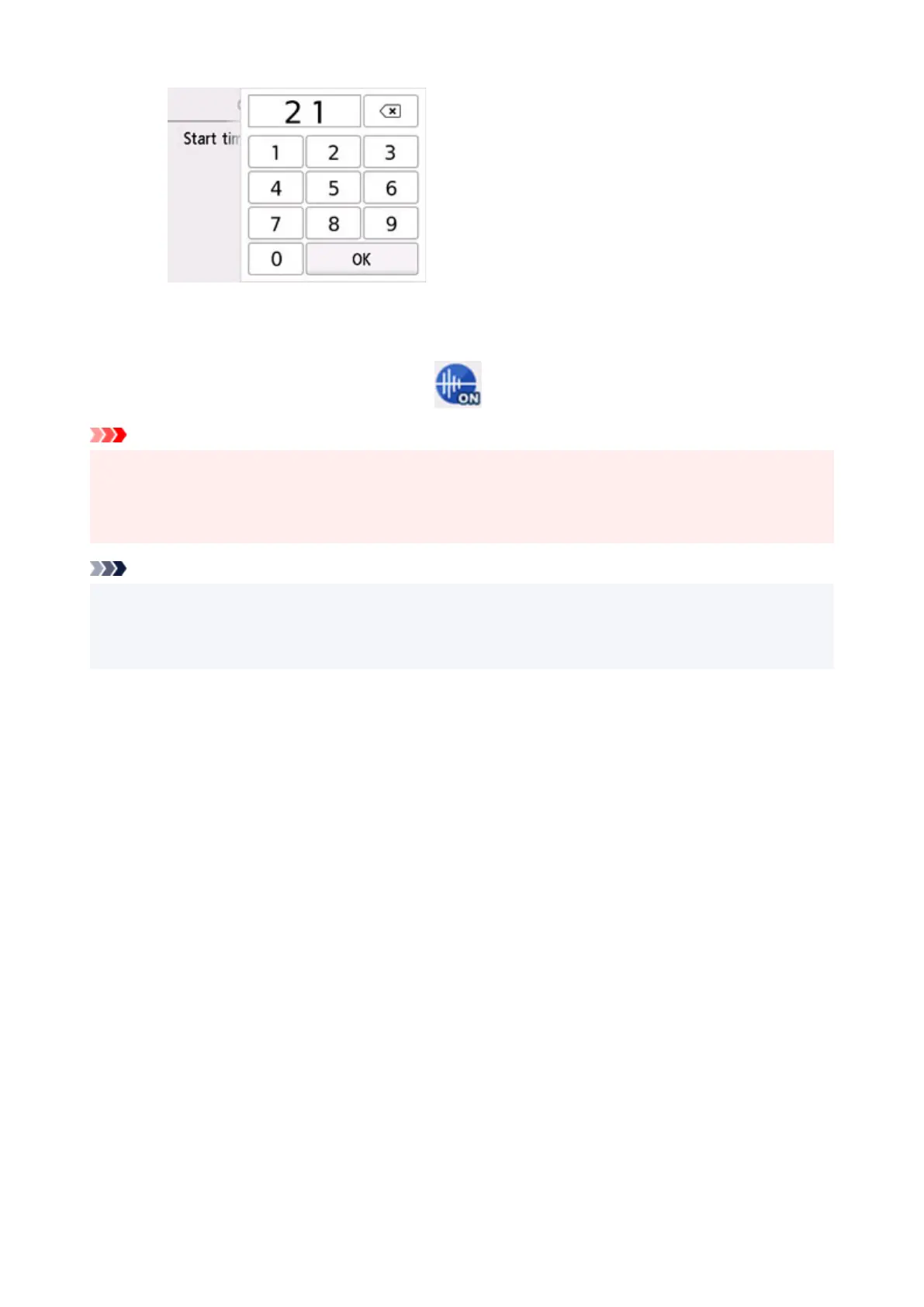
Specify End time in the same procedure, and select OK.
You can reduce the operating noise during the specified time.
The confirmation screen is displayed and the icon appears as the Quiet setting menu icon.
Important
• Operating speed is reduced compared to when OFF
is selected.
• This function may not be so effective depending on the
printer's setting. Furthermore, certain noise,
such as when the printer is preparing for printing, is not reduced.
Note
• You can set the quiet mode from the operation panel of the printer, the printer driver, or ScanGear
(scanner driver). No matter how you set the quiet mode, the mode is applied when you perform
operations from the operation panel
of the
printer or printing and scanning from the computer.
210










 To Next Page