Checking Ink Level
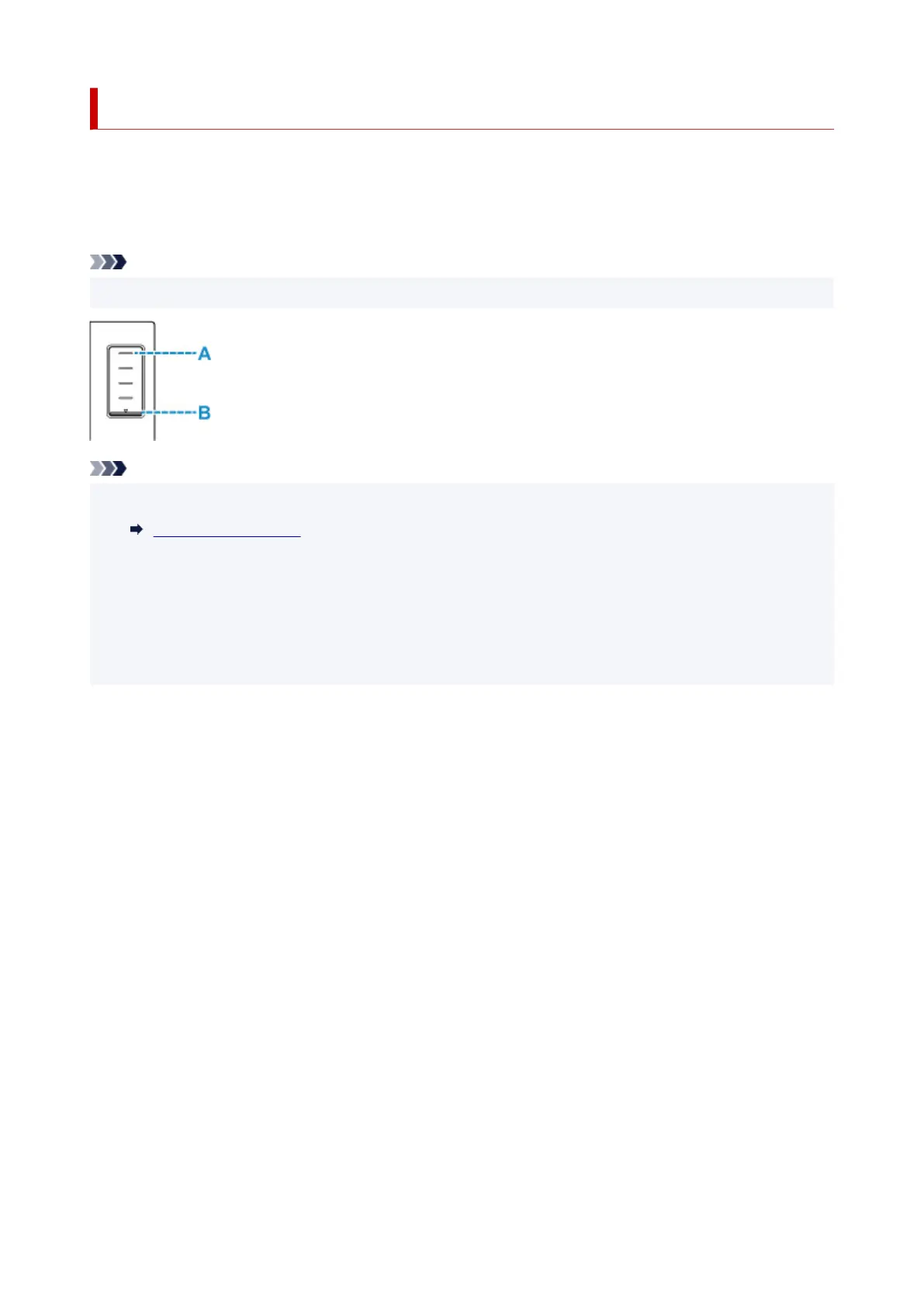
Check ink level with the ink tank
indicator on the front of the printer.
When ink reaches the upper limit line (A), ink is full.
When ink is near the lower limit line (B), ink is running low. Refill the ink tank.
Note
• To check the remaining ink level, visually inspect the remaining ink in the ink tank.
Note
• If a remaining ink error occurs, the error message appears on the touch screen.
When Error Occurred
• To ensure you receive premium print quality and to help protect your print head, a certain amount of ink
remains in the ink tank when the printer indicates to refill the ink tank. The estimated page yields of the
ink bottle do not include this amount.
• Ink flows from the
ink tanks to the inside of the printer. Ink may seem to run out fast due to this
procedure when you start using the printer or after transporting it.
95










 To Next Page