Checking Maintenance Cartridge Status on Touch Screen
1. Check that printer is turned on.
2. Select (Hint) on HOME screen.
Using Touch Screen
The hint menu screen will appear.
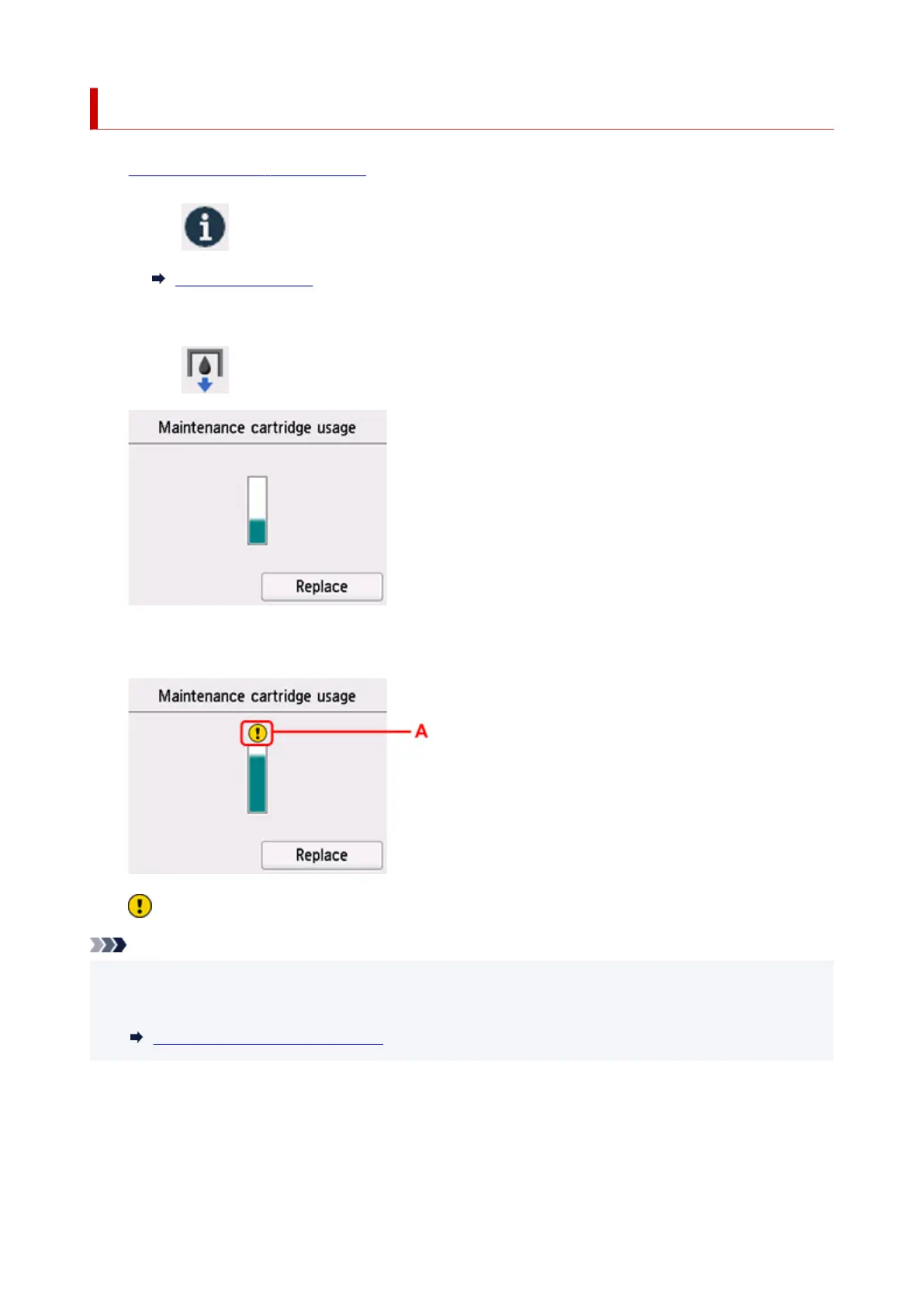
3. Select Maintenance cart. info..
A symbol appears in the area A if there is any information about the used space of the maintenance
cartridge.
The maintenance cartridge is almost full. Prepare a new one.
Note
• The above screen shows estimated used space.
• To replace the maintenance cartridge, select Replace.
Replacing Maintenance Cartridge
130










 To Next Page