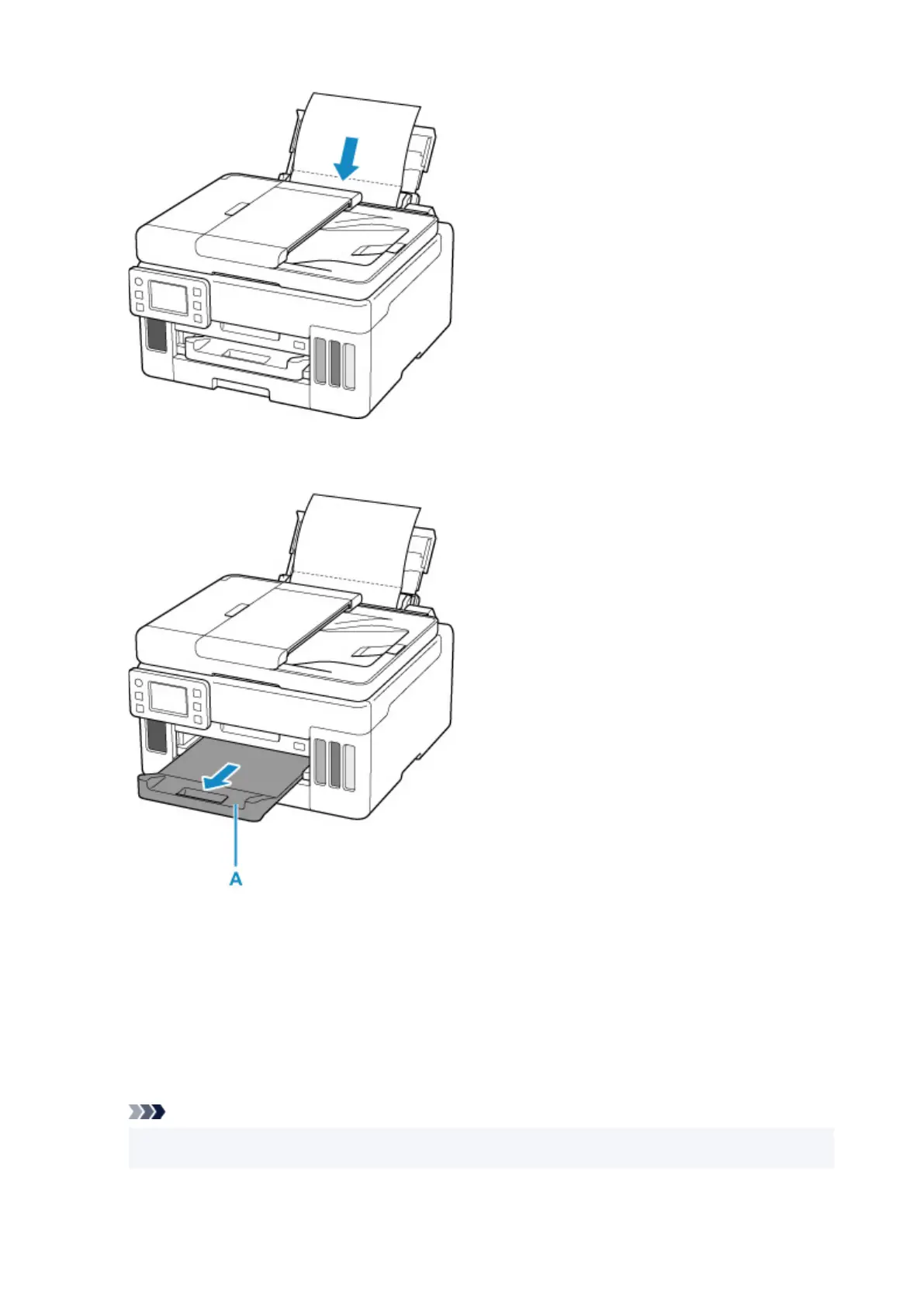
9. Pull out a paper output tray (A).
10. Select OK.
The paper cleans the inside of the printer as it feeds through the printer.
Check the folded parts of the ejected paper. If they are smudged with ink, perform Bottom Plate Cleaning
again.
11. When the completion message appears, select OK.
Note
• When performing Bottom Plate Cleaning again, be sure to use a new piece of paper.
124










 To Next Page