General Notices
Choosing a Location
Refer to "Specifications" in the Online manual for details on operating environment.
• Do not install the printer in a location that is unstable or subject to excessive vibration.
• Do not install the printer in locations that get very hot (direct sunlight, or close to a heating source),
very humid or dusty locations, or outdoors.
• Do not place the printer on a thick rug or carpet.
• Do not place the printer flush against a wall.
Power Supply
• Keep the area around the power outlet clear at all times so you can easily unplug the power cord if
necessary.
• Never remove the plug by pulling on the cord.
General Notices
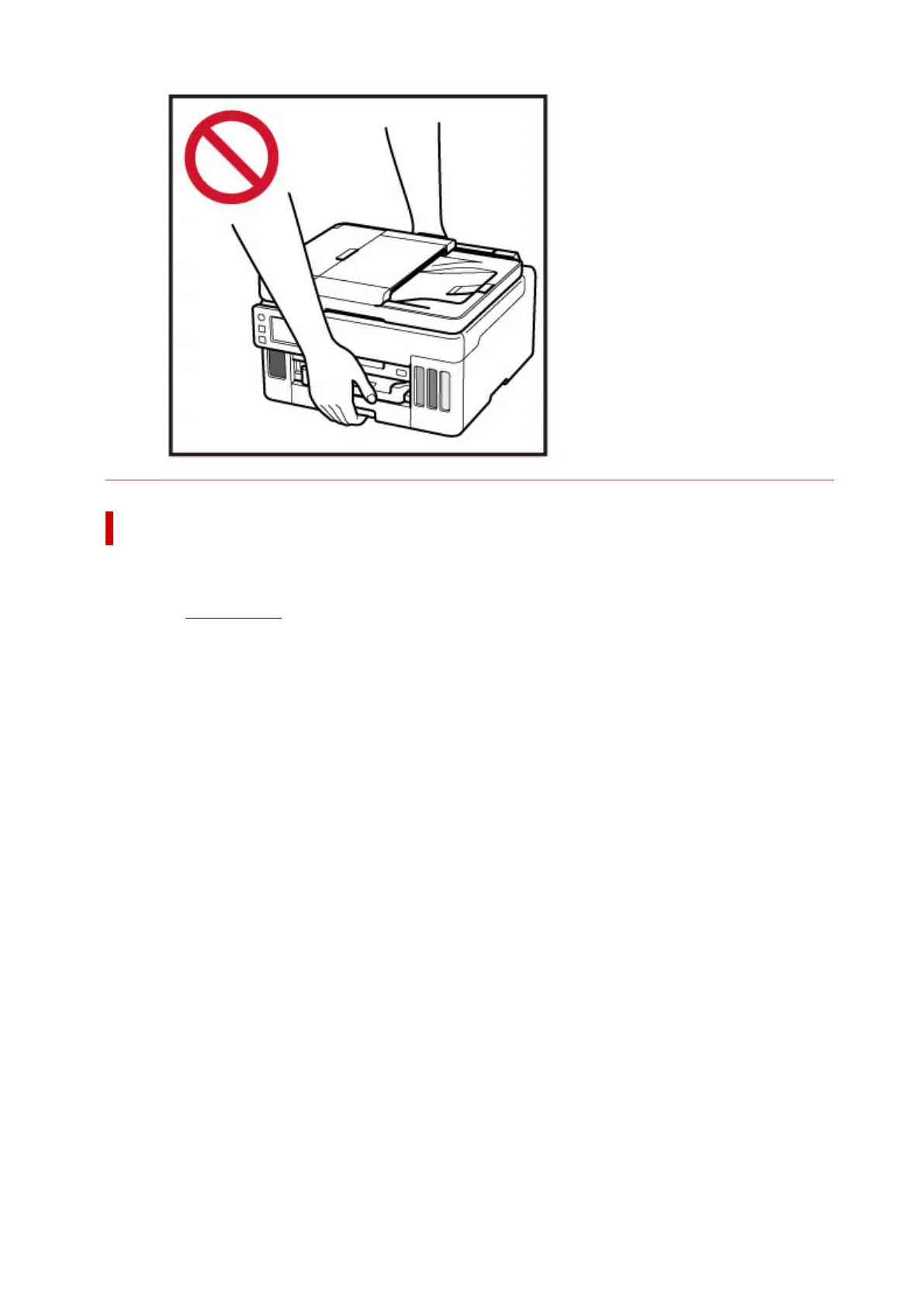
• Do not tilt the printer, stand it on end, or turn it upside down. This may cause ink to leak.
• Do not place anything on top of the printer. Be especially careful to avoid metal objects such as
paper clips and staples, and containers holding flammable liquids such as alcohol or thinner.
• Be sure to observe the following when loading the original on the platen. Failure to observe the
following may cause the scanner to malfunction or the platen glass to break.
◦ Do not place any objects weighing 4.4 lb (2.0 kg) or more on the platen glass.
◦ Do not put any pressure of 4.4 lb (2.0 kg) or more on the platen glass, such as pressing down
the original.
135










 To Next Page