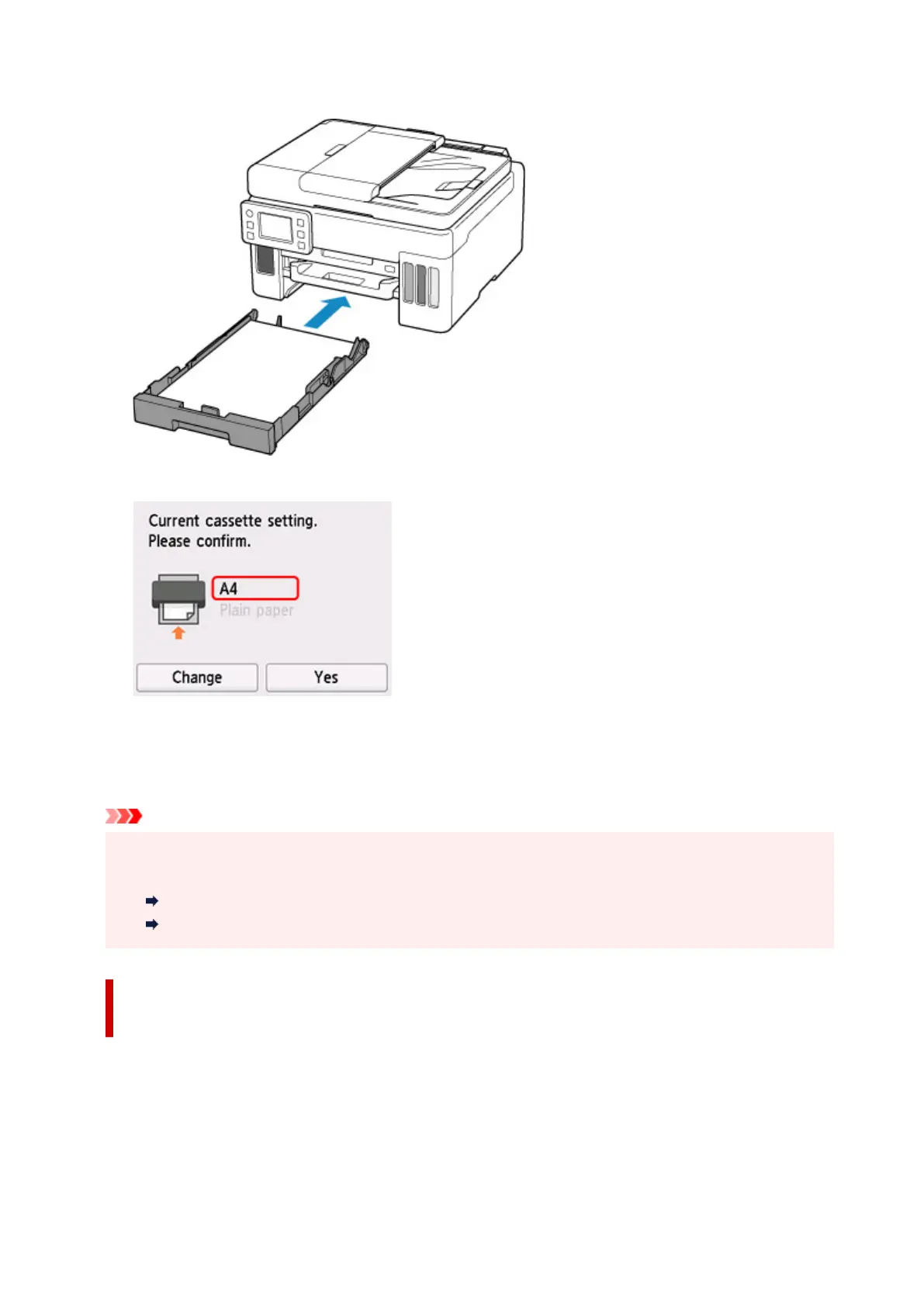
• When you insert the cassette:
The screen to register the cassette paper information is displayed.
If the page size on the touch screen matches the size of the paper loaded in the cassette, select Yes.
If not, select Change to change the setting in accordance with the size of the loaded paper.
* You can load only plain paper in the cassette.
Important
• For more on the proper combination of paper settings you can specify by the printer driver (Windows)
or on the touch screen:
Paper Settings on the Printer Driver and the Printer (Media Type)
Paper Settings on the Printer Driver and the Printer (Paper Size)
When the paper settings for printing/copying are different from the
paper information registered to the printer:
Ex:
• Paper settings for printing/copying: A5
• Paper information registered to the
printer: A4
252










 To Next Page