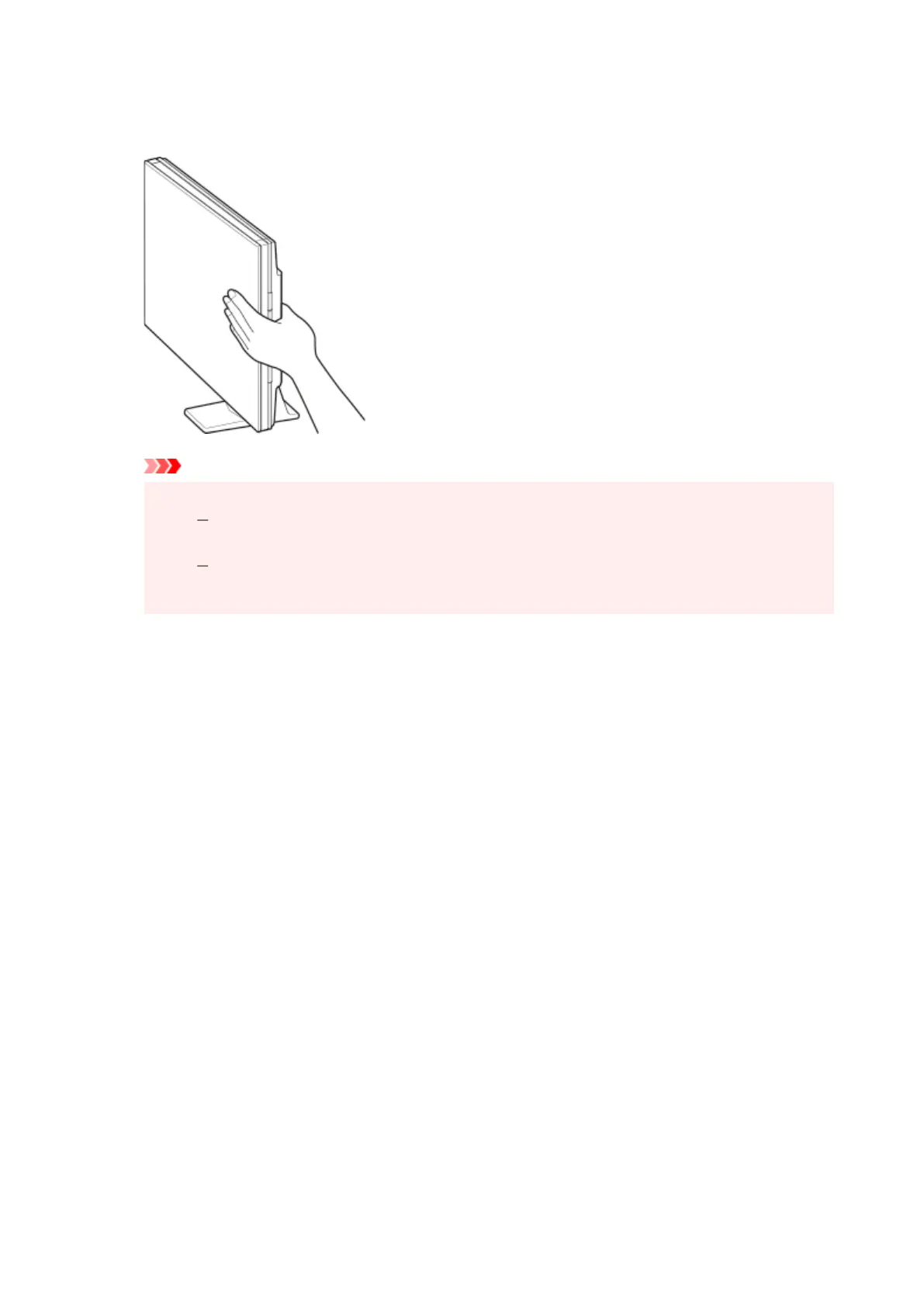
2. Gently close document cover.
While scanning, hold the document cover
gently with your hand to keep it closed.
Important
• Keep these points in mind when using the scanner in the upright position.
Do not subject the scanner to vibration during operation. The correct image results may
not be obtained (for example, images may blur).
The item type may not be detected automatically. In that case, specify the item type in IJ
Scan Utility and scan.
275










 To Next Page