1303
Cause
Paper is jammed when feeding paper from cassette.
What to Do
1. Remove jammed paper.
• If the paper is jammed at the paper output slot
:
1300
• If the paper is jammed inside the printer:
Paper Is Jammed inside Printer
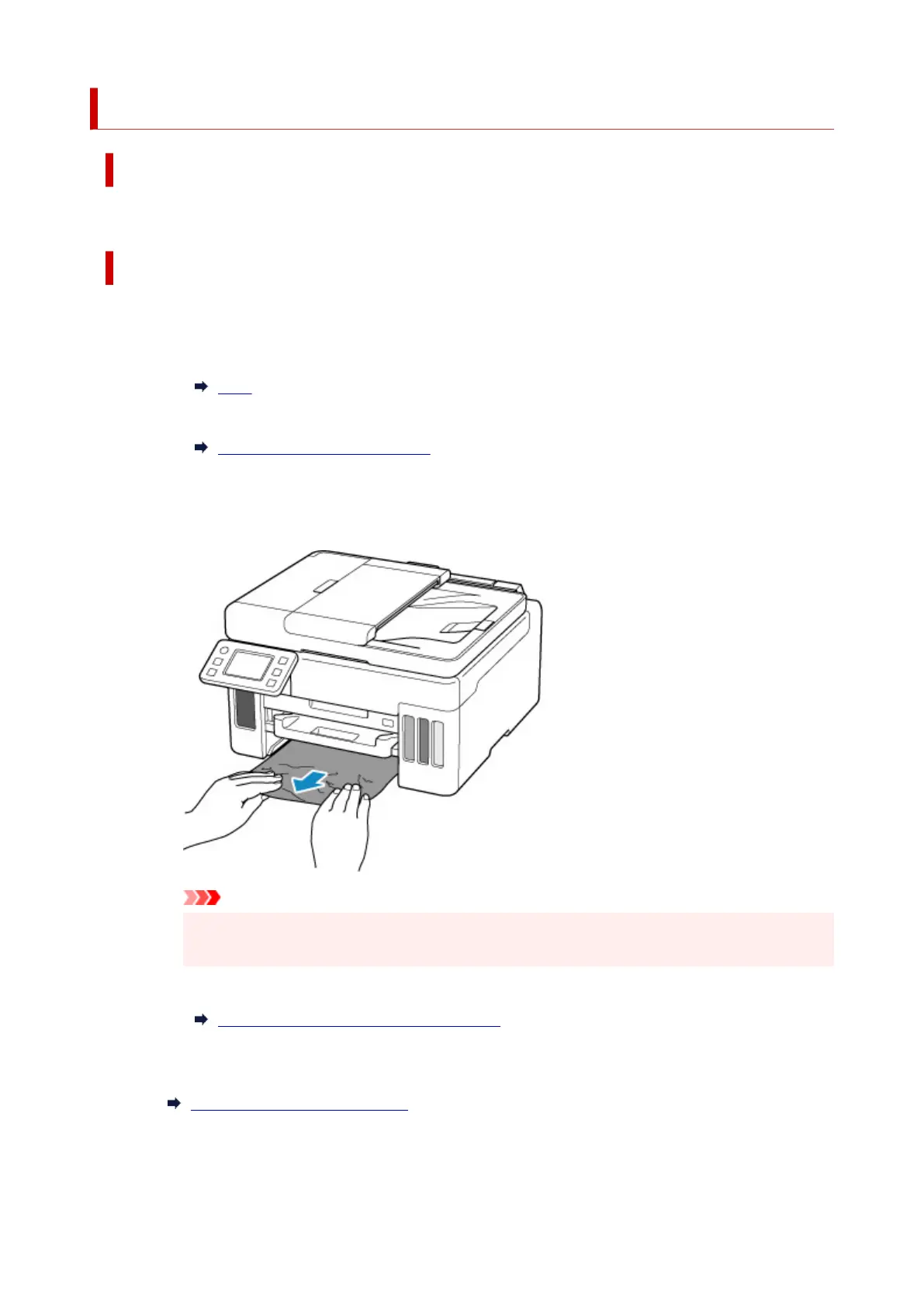
• If the paper is jammed at the feed slot of the cassette:
After storing the paper output tray, pull out the cassette and remove the jammed paper slowly
with both hands.
Important
• When checking the feed slot of the cassette or removing the jammed paper, do not turn the
printer upside down or tilt it. The ink may leak out.
• If the measures above do not solve the problem:
Removing Jammed Paper from Rear Side
2. Load paper in cassette properly.
Loading Plain Paper in Cassette
3. Select OK on printer's touch screen.
359










 To Next Page