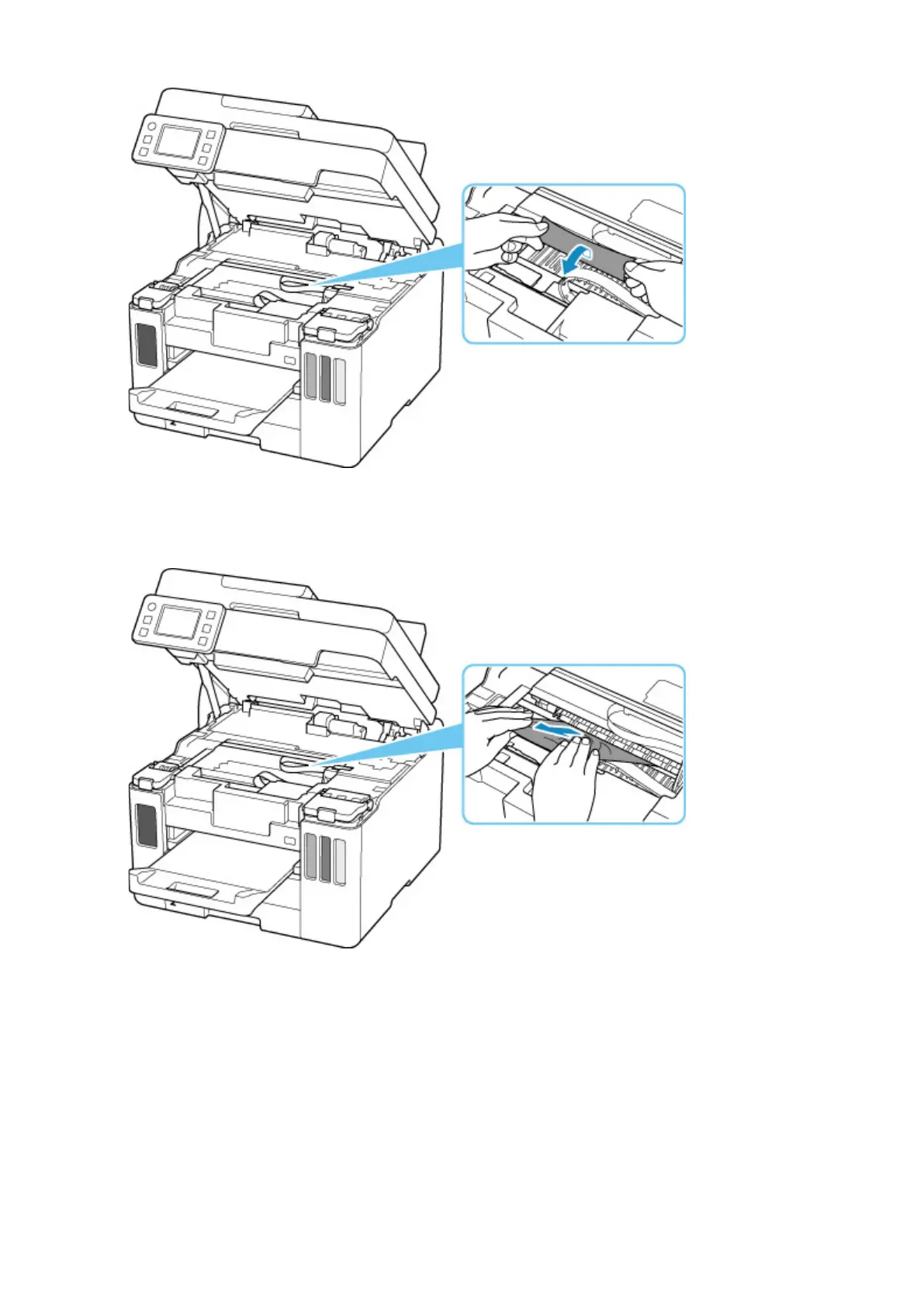
5. Slowly pull out paper, so as not to tear it.
Pull out the paper at an angle of about 45 degrees.
6. Make sure all jammed paper is removed.
If the paper tears when you pull out it, a bit of paper may remain in the printer. Check the following and
remove any remaining paper.
• Any paper left under the print head holder?
• Any small bits of paper left in the printer?
• Any paper left in the left and right empty spaces (D) in the printer?
366










 To Next Page