Shipping Tape etc. Are Still Attached (1890)
Cause
Shipping tape or protective material may still be attached to print head holder
.
What to Do
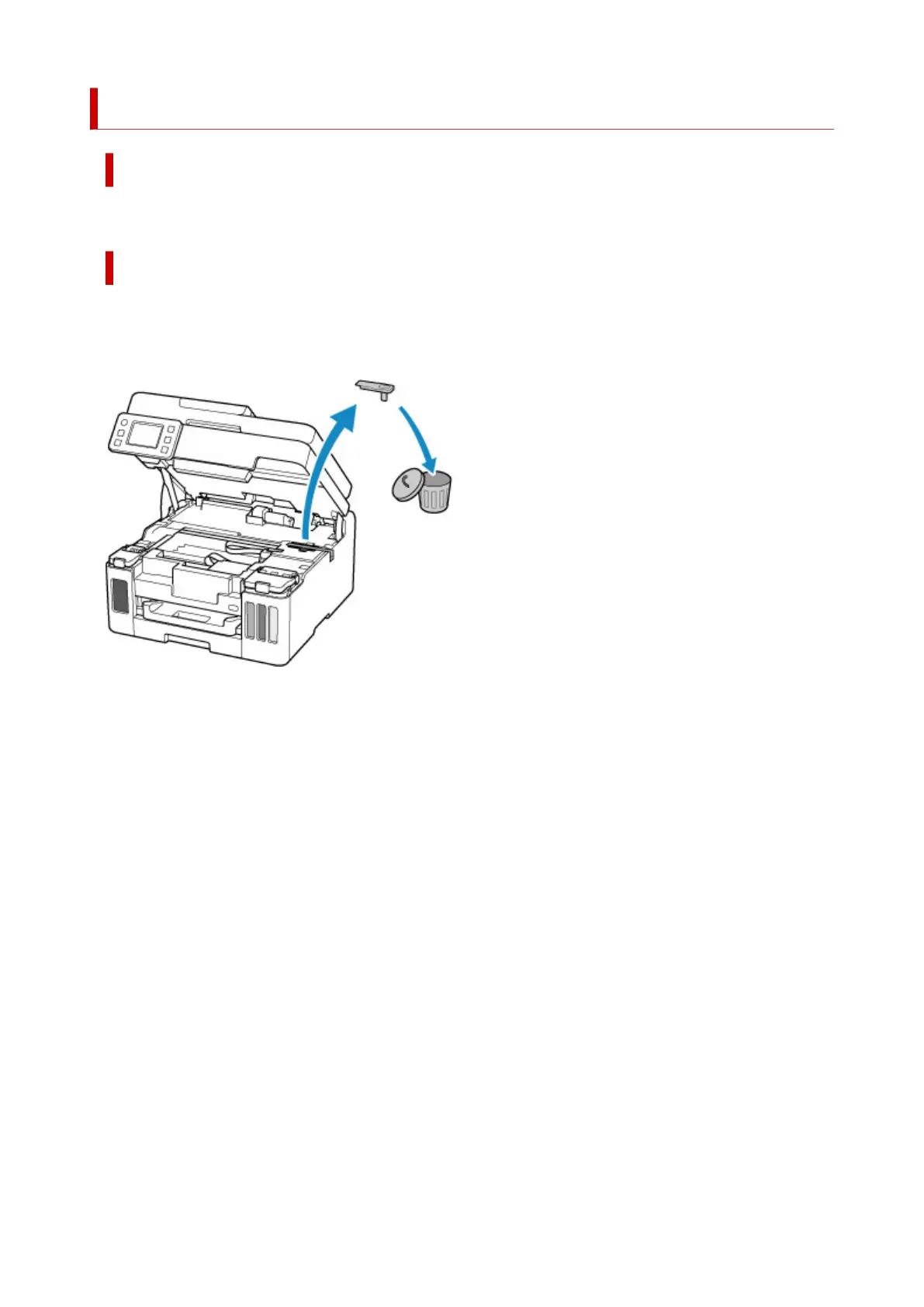
Open the scanning unit / cover and make sure that shipping tape and protective material have been
removed from the print head holder.
If the shipping tape or protective material is still there, remove it and close the scanning unit / cover.
In the case of the first printer setup, click here, select your printer name on the page, and follow the
instructions.
385










 To Next Page