2114
Cause
Paper settings specified when printing/copying do not match the paper information for the rear tray
registered on the
printer.
Note
• For the appropriate combination of the paper settings specified on the printer driver and the paper
information registered on the printer, refer to the following.
Paper Settings on the Printer Driver and the Printer (Media Type) (Windows)
Paper Settings on the Printer Driver and the Printer (Paper Size) (Windows)
• For copying, make the paper settings for copying match the paper information for the rear tray
registered on the printer.
• For how to register paper information on the printer, refer to the following.
Paper Settings
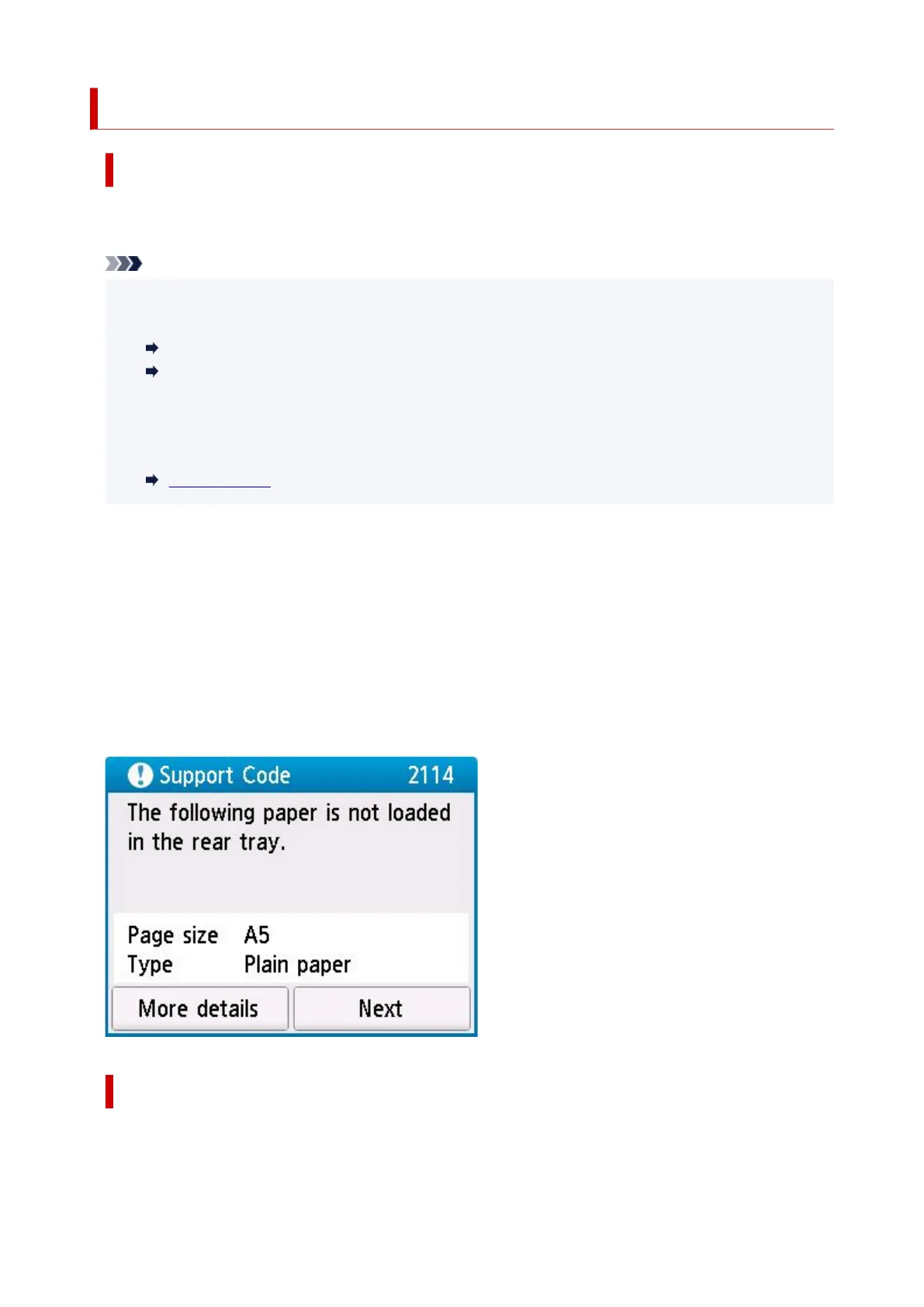
If the paper settings specified when printing differ from the paper information for the rear tray registered
on the printer, the following message appears on the printer's touch screen.
• Paper settings specified on the printer driver when printing:
Paper size: A5
Media type: Plain paper
• Paper information for the rear tray registered on the printer:
Paper size: A4
Media type: Plain paper
What to Do
Select Next on the printer's touch screen to display the screen below.
392










 To Next Page