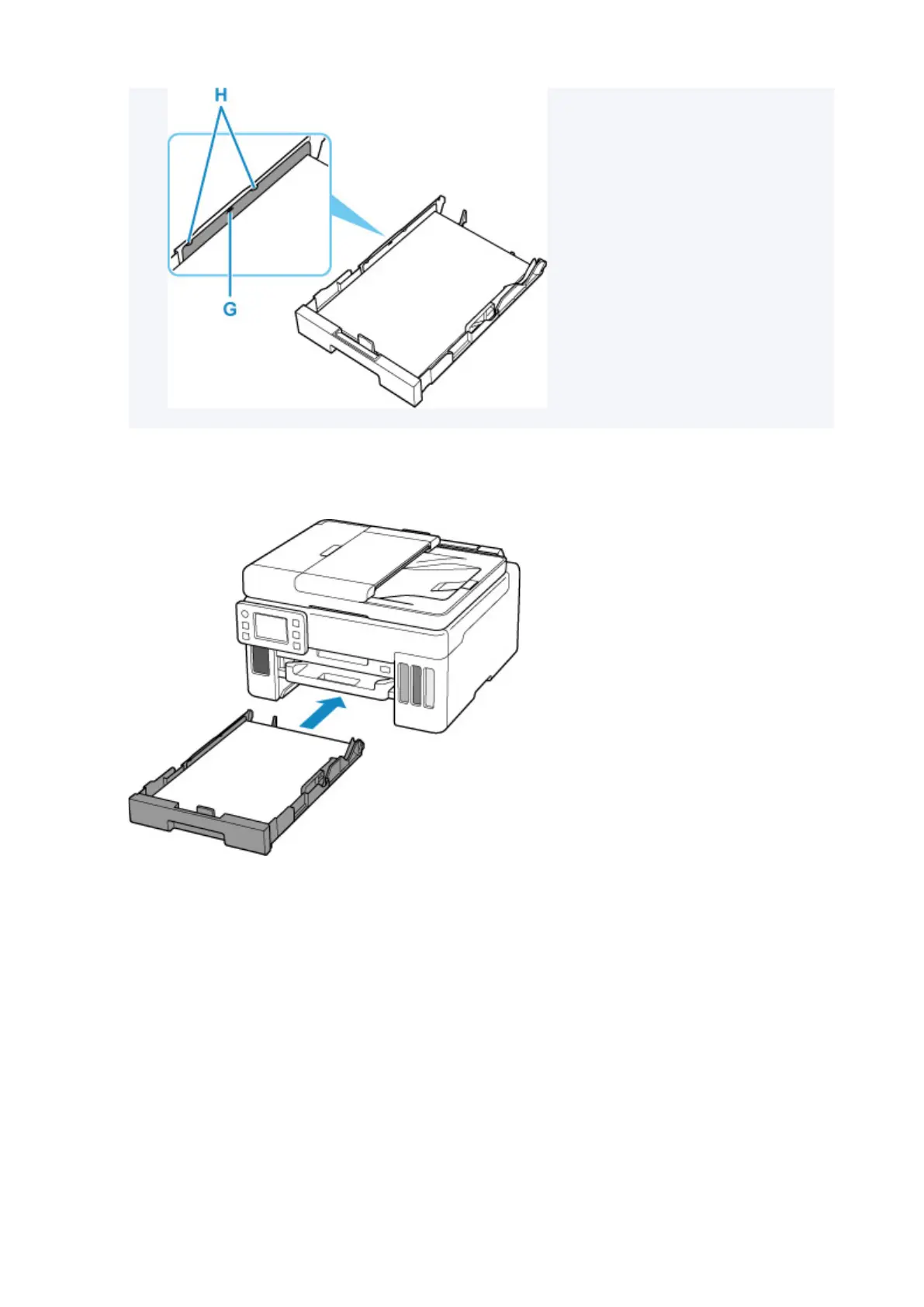
7. Mount cassette cover and insert cassette into printer.
Push the cassette into the printer
until it stops.
After inserting the cassette into the printer, the paper setting confirmation screen for the cassette
appears on the touch screen.
8. If page size on touch screen matches size of paper loaded in cassette, select Yes.
If not, select Change to change the setting in accordance with the size of the loaded paper.
68










 To Next Page