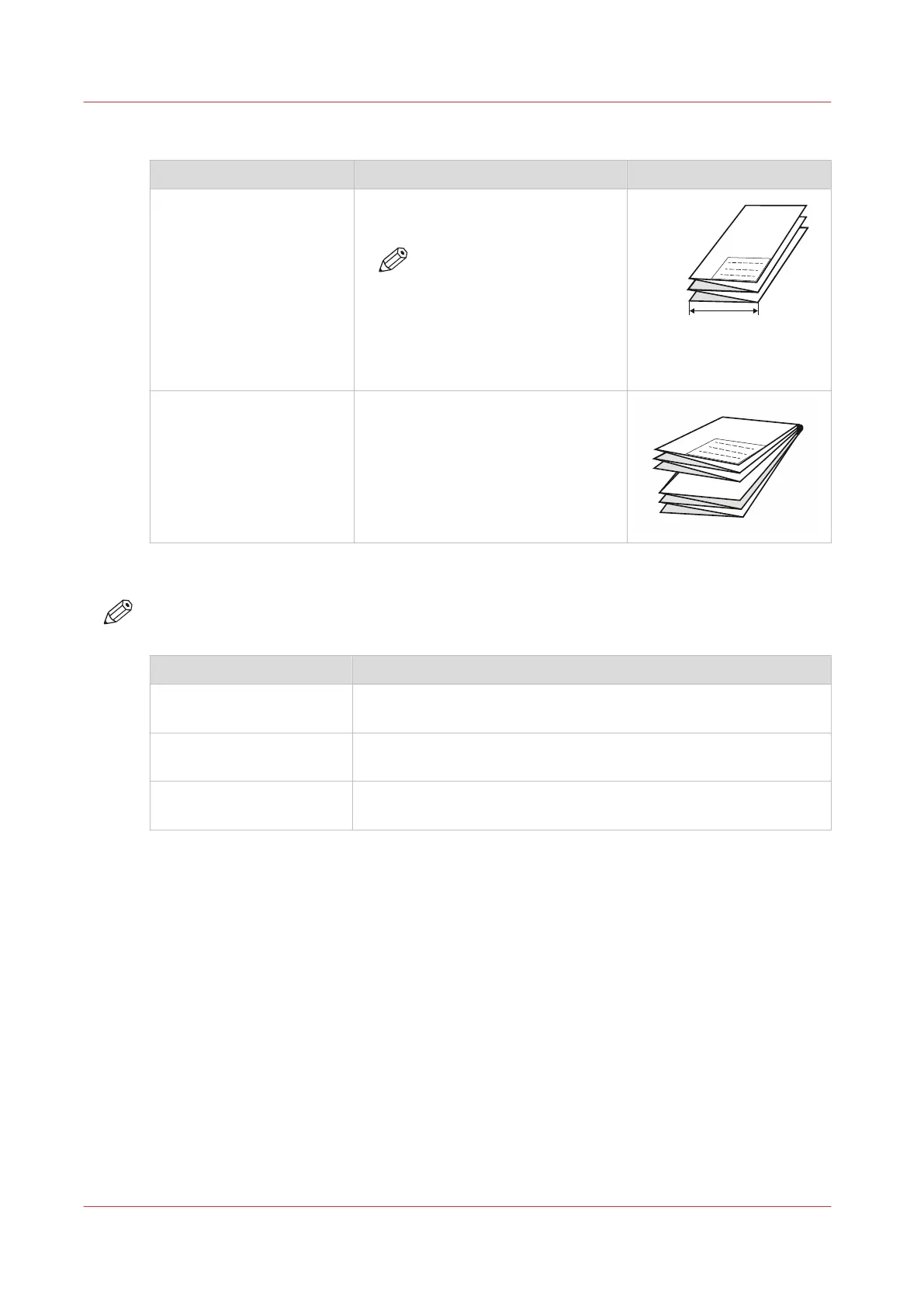
Package size
[Package size] Description Example
[Width] Defines the fold distance of the Z-
fold.
NOTE
Note that the package
width size excludes the
[Binding edge size]. So the
back panel consists of the
package width size plus the
binding edge size (A+B).
[Height] Defines the fold distance of the cross
fold.
This only applies to the folding de-
vice in [Full fold] mode.
Delivery
NOTE
Note that the available options depend on the chosen [Folding package] value.
[Fold delivery] Description
[Stacker] Defines that the output will be delivered on the stacker (only for
[Full fold]).
[Belts] Defines that the output will be delivered on the belt unit (only for
[Full fold] and when the belt unit is installed).
[First fold output] Defines that the output will be delivered at the first fold section
(only for [First fold only]).
Fold settings
106
Chapter 3 - Define your Workflow with Océ Express WebTools









 To Next Page