Removing from the Host Machine
Removing from the Host Machine
1. Turn OFF the main power on the host machine.
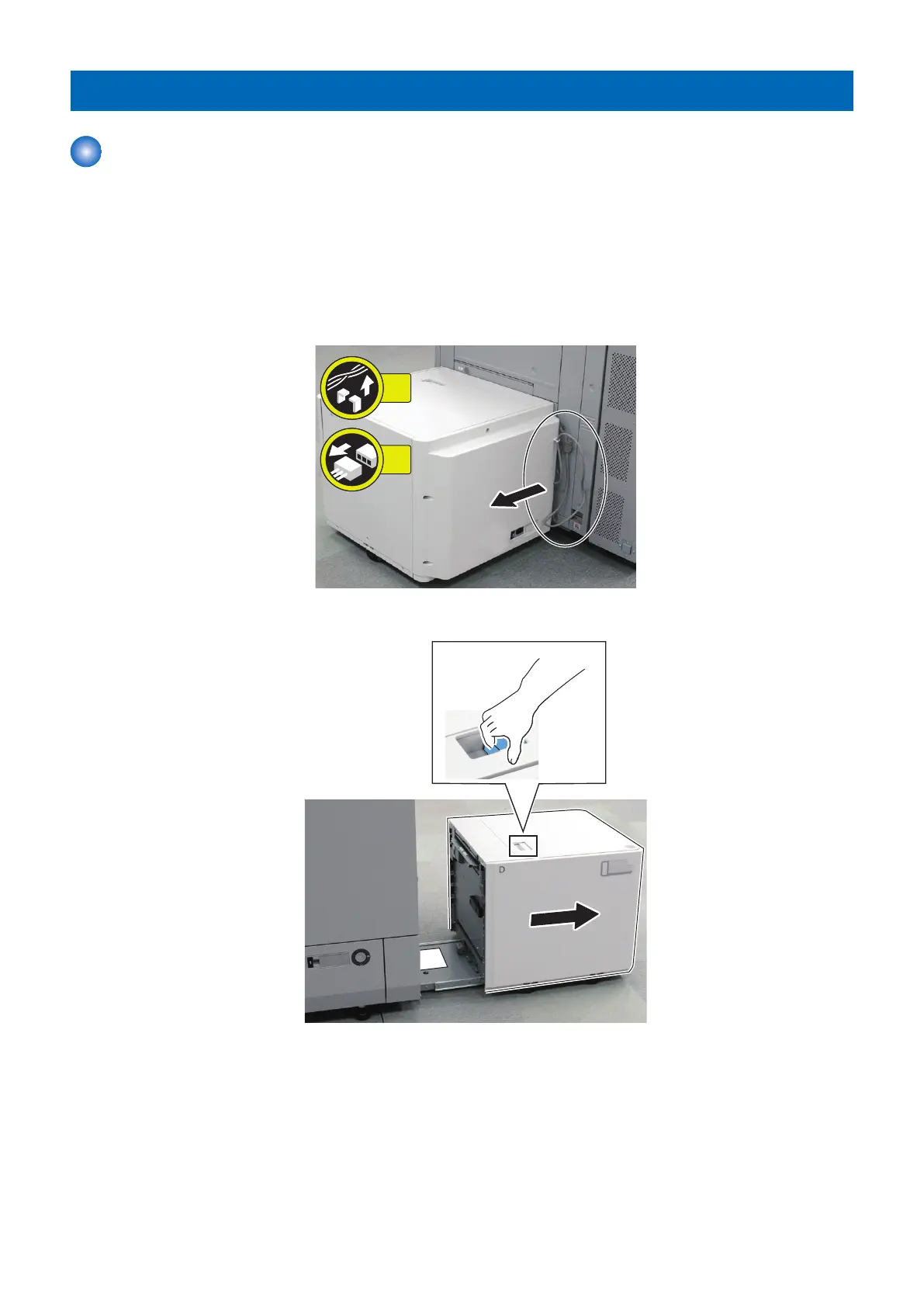
2. Turn OFF the cassette heater switch when it is installed.
3. Remove the power cord.
4. Remove the cable.
• 1 Wire saddle
• 1 Connector
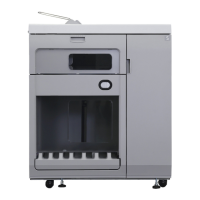
5. Slide the POD Deck Lite until it stops with holding the release lever.
4. Disassembly/Assembly
30



 To Next Page