Removing the Deck Feed Roller
■ Preparation
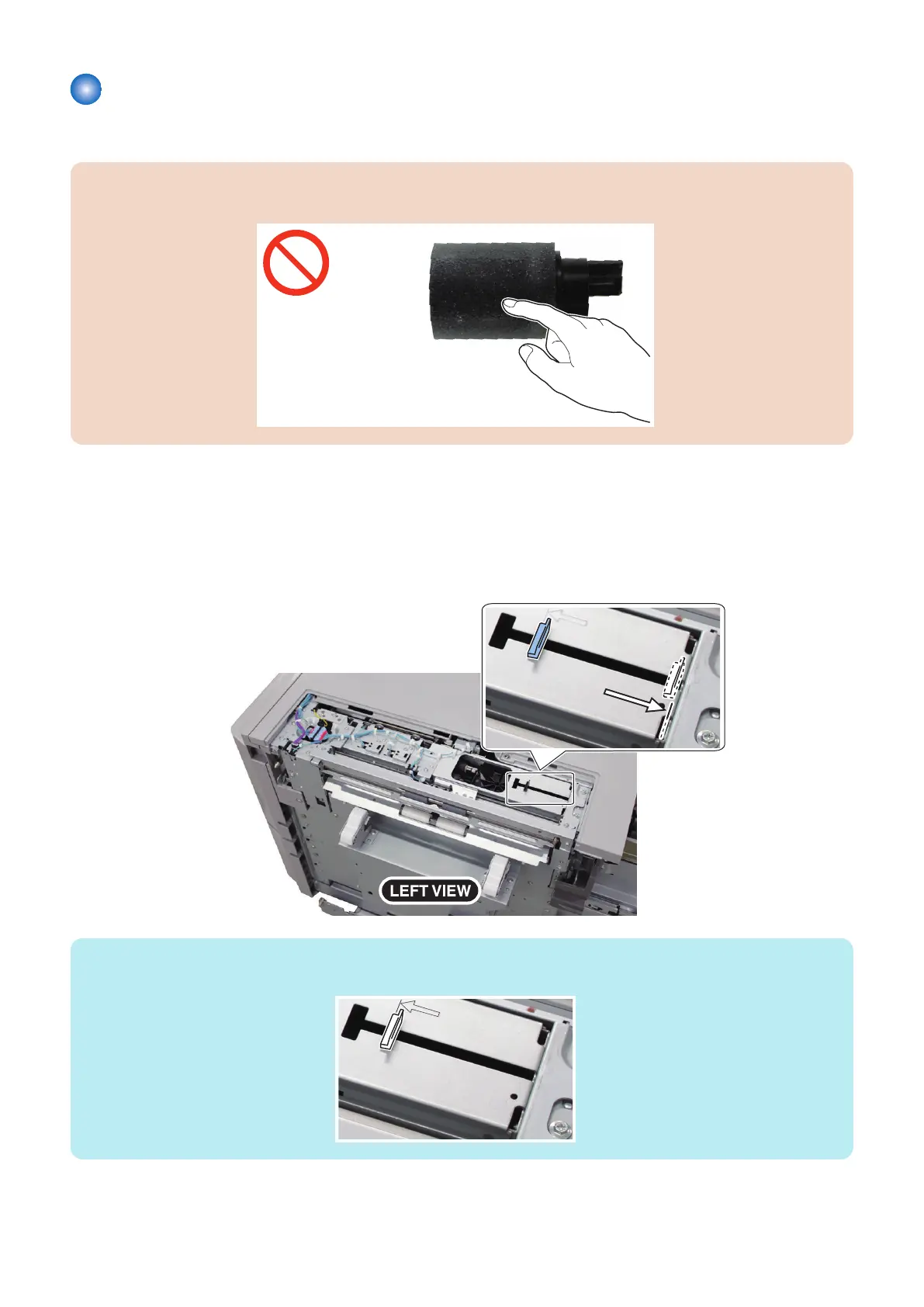
CAUTION:
Be sure not to touch the surface of the roller at disassembling/assembling.
1. Remove the Left Upper Cover.
“Removing the Left Upper Cover” on page 42
■ Procedure
1. Slide the Slide Guide (Upper) in the direction of the arrow until it stops.
NOTE:
When attaching the Left Upper Cover, return the Slide Guide (Upper) to the original position as shown in the figuer.
4. Disassembly/Assembly
49



 To Next Page