Motors
Removing the Deck Lifter Motor
■ Preparation
CAUTION:
The Lifter Plate must be moved to the bottom before removing the Deck Lifter Motor.
1. Open the Compartment with the open button and then remove all sheets of paper from it.
2. Turn OFF the host machine after the Lifter Plate is automatically moved to the bottom.
3. Remove the power cord.
4. Remove the Compartment.
“Removing the Compartment” on page 56
■ Procedure
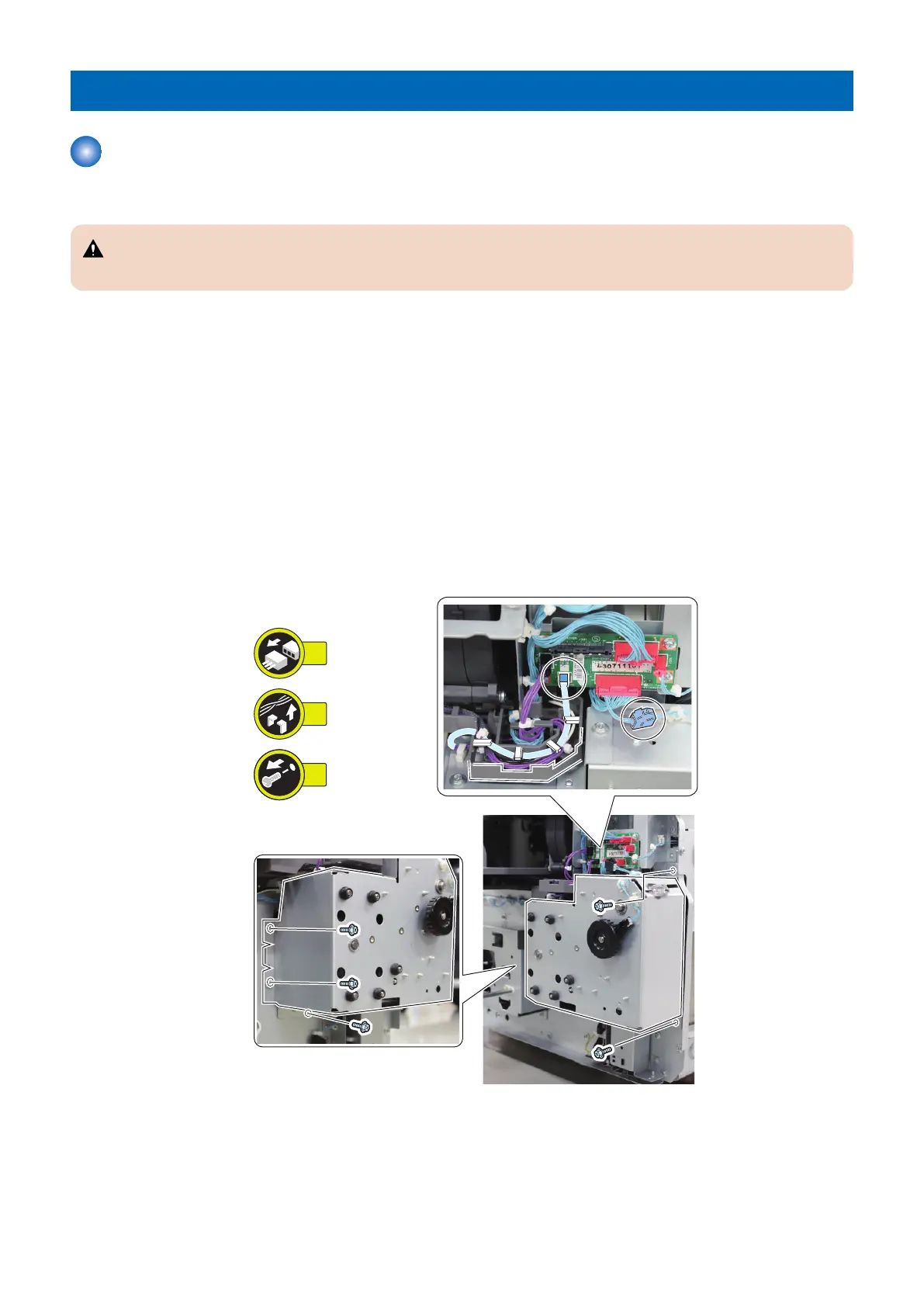
1. Remove the Deck Lifter Motor Assembly.
• 2 Connectors
• 1 Guide
• 5 Screws
4. Disassembly/Assembly
67









 To Next Page