Safety Precautions
• Before using the devices, please ensure that you have read and understood the safety •
precautions described below. Always ensure that the devices are operated correctly.
• The safety precautions noted
on
the following pages are intended to instruct you
in
the safe
and correct operation of the devices to prevent injuries or damage to yourself and other
persons.
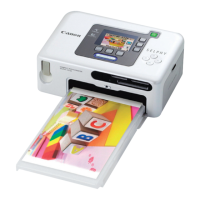
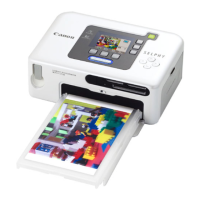
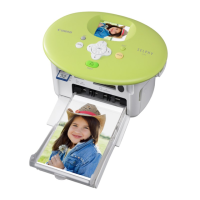
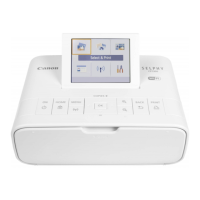
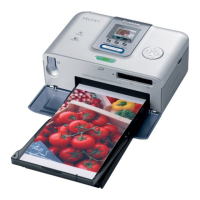
Devices: Printer,
Compact
power
adapter
Battery: Battery pack(sold separately)
A WARNINGS
Do not play the supplied CD-ROM(s) in
any
CD player that does not support data
CD-
ROMs. Playing the CD-ROM(s) in an audio
CD
player (music player) could damage the
speakers. It is also possible to suffer from hearing loss from listening with headphones
to the loud
sounds
of
a
CD-ROM
played on a music
CD
player.
•
Do
not disassemble or"modify the devices.
• If the devices
are
dropped or the casing
becomes
damaged,
do
not continue operation.
• If the devices emit
smoke
or a burning
odor,
or show other signs of significant
malfunction, immediately unplug the
power
cord from the
power
outlet.
•
Never
rest liquid containers
on
top of the devices. If the exterior
comes
into contact with
liquids or salt
air,
wipe it dry with asoft, absorbent cloth.
•
Do
not
drop
or
insert
metallic
or
combustible
objects
into
the
devices.
Continued use of the equipment may result
in
fire or electric shock. Immediately turn the
printer power off and remove the printer battery or unplug the power cord from the power
outlet. Please consult your camera distributor or the closest Canon Customer Support Help
Desk.
•
Do
not touch
metal
parts of
the
devices or the
power
plug during thunderstorms.
Lightning strikes may produce lethal voltages within the devices. Keep clear of the devices
while thunderstorms are
in
progress.
•
Do
not
use
flammable solvents such
as
alcohol,
benzene,
or paint thinner to
clean
the
devices.
Continued use of the equipment may result
in
fire or electric shock.
11









 To Next Page