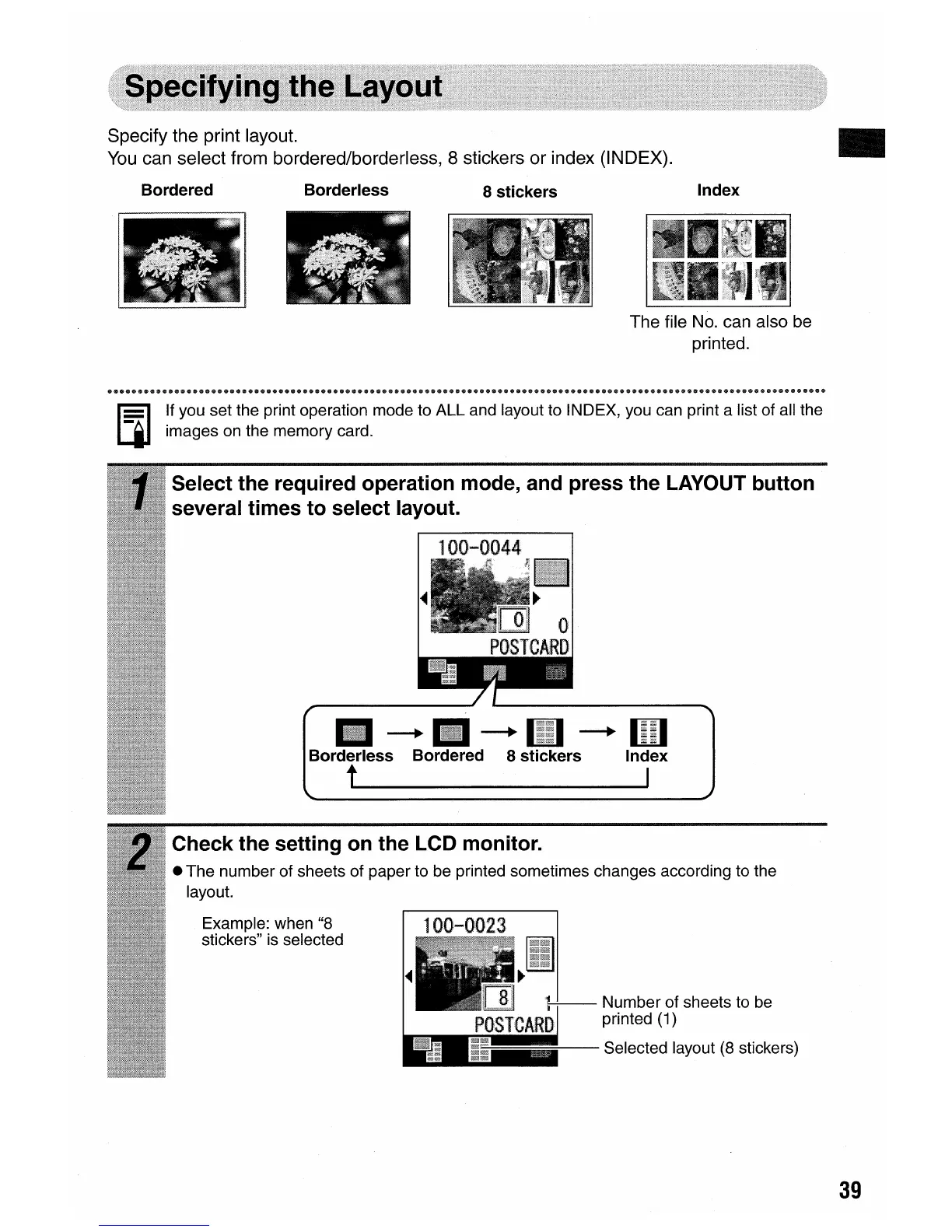
Specify the print layout.
You
can select from bordered/borderless, 8 stickers or index (INDEX).
•
Bordered Borderless
8 stickers
Index
The file
No.
can also
be
printed.
100-0044
If you set the print operation mode to ALL and layout to INDEX, you can print a list of all the
images on the memory card.
100-002.3
Example: when "8
stickers" is selected
-+1iI-+1iI-+1iiI
Borderless Bordered 8 stickers Index
t I
Select the required operation mode, and press the LAYOUT button
several times
to
select layout.
Check the setting on the LCD
monitor
.
• The number of sheets of paper to be printed sometimes changes according to the
layout.
39















 To Next Page