Adobe Reader or Adobe Acrobat Reader must
be
installed to view the PDF Manuals. If this
software is not already installed
in
your computer, access the following web site and
download the software.
http://www.adobe.com/products/acrobatlreadstep2.html
• Printer Software Guide
This guide describes how to print using the software installed to your computer.
Install the software from the CP Printer Solution Disk.
(Windows
~
p.
42, Macintosh
~
p.
45)
• The Printer Software Guide will automatically
be
installed to your computer, and the
_.[CP
Printer Guide] icon appears
on
the desktop.
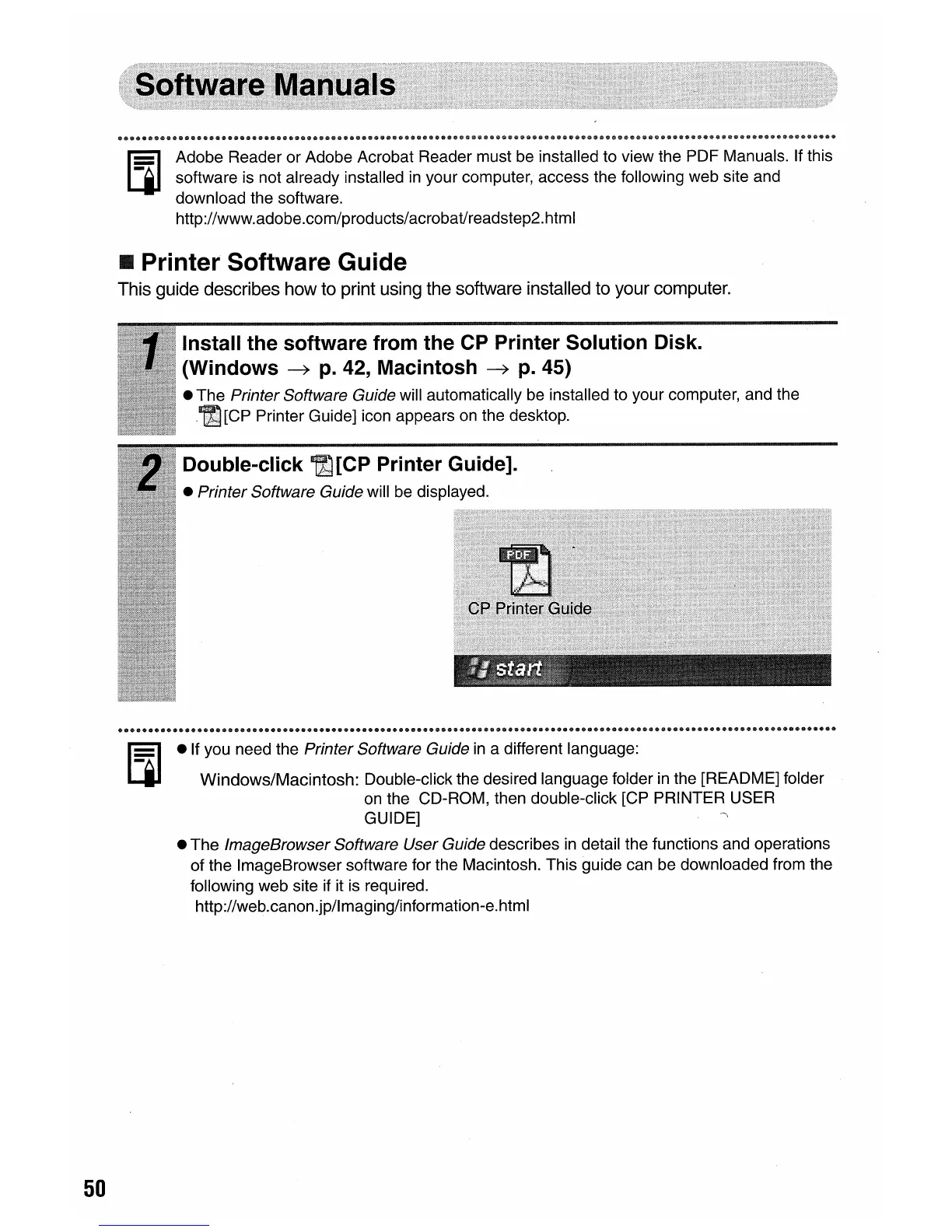
Double-click
.[CP
Printer Guide].
• Printer Software Guide will be displayed.
50
• If you need the Printer Software Guide
in
a different language:
Windows/Macintosh: Double-click the desired language folder
in
the [README] folder
on
the CD-ROM, then double-click [CP PRINTER USER
GUIDE]
• The
ImageBrowser Software User Guide describes
in
detail the functions and operations
of the ImageBrowser software for the Macintosh. This guide can be downloaded from the
following web site if it
is
required.
http://web.canon.jp/lmaging/information-e.html















 To Next Page