BDnneBlinl
ID
a Bal'Dela
IDI
Blinlinl
•
Connect the printer to the camera by the built-in retractable USB cable and start printing.
This section explains the flow of printing operations with Canon cameras
*.
For more details, refer to your Camera User Guide or Direct Print User Guide.
*In
other cases, please refer to the "Printing with Non-Canon Digital
Cameras"
(p.
66).
~
IIIIIl
Make sure
that
the memory card is not inserted into the printer and that the printer is not
W connected to the computer.
• Use Canon cameras compatible with CP71 0/CP51
0,
and non-Canon cameras compatible
with PictBridge can also be connected.
• We recommend that you also connect the camera's compact power adapter (sold
separately or included with the camera) when using the camera with your printer. If you
wish to run the camera on battery pack
or
batteries power, be sure that battery pack is
fully charged or the batteries are fresh.
• Some camera models do not come with a compact power adapter. For details, please see
the System
Map
that came with your camera.
Press the printer's power button.
• The power button lights green once the printer powers up.
31
Turn the camera's power on and
dis'play the images.
• Check that the
Fa
(PictBridge) /
~
(Canon
Direct Print)
icon is displayed
in
the upper left
corner of the LCD monitor.
When the icon is not displayed
~
"Troubleshooting"
(p.58)
•
Some
camera
models
automatically
power
up
when
the
cable
is
connected
to
the
printer.
The
icon
then
displays
on
the
LCD
monitor.
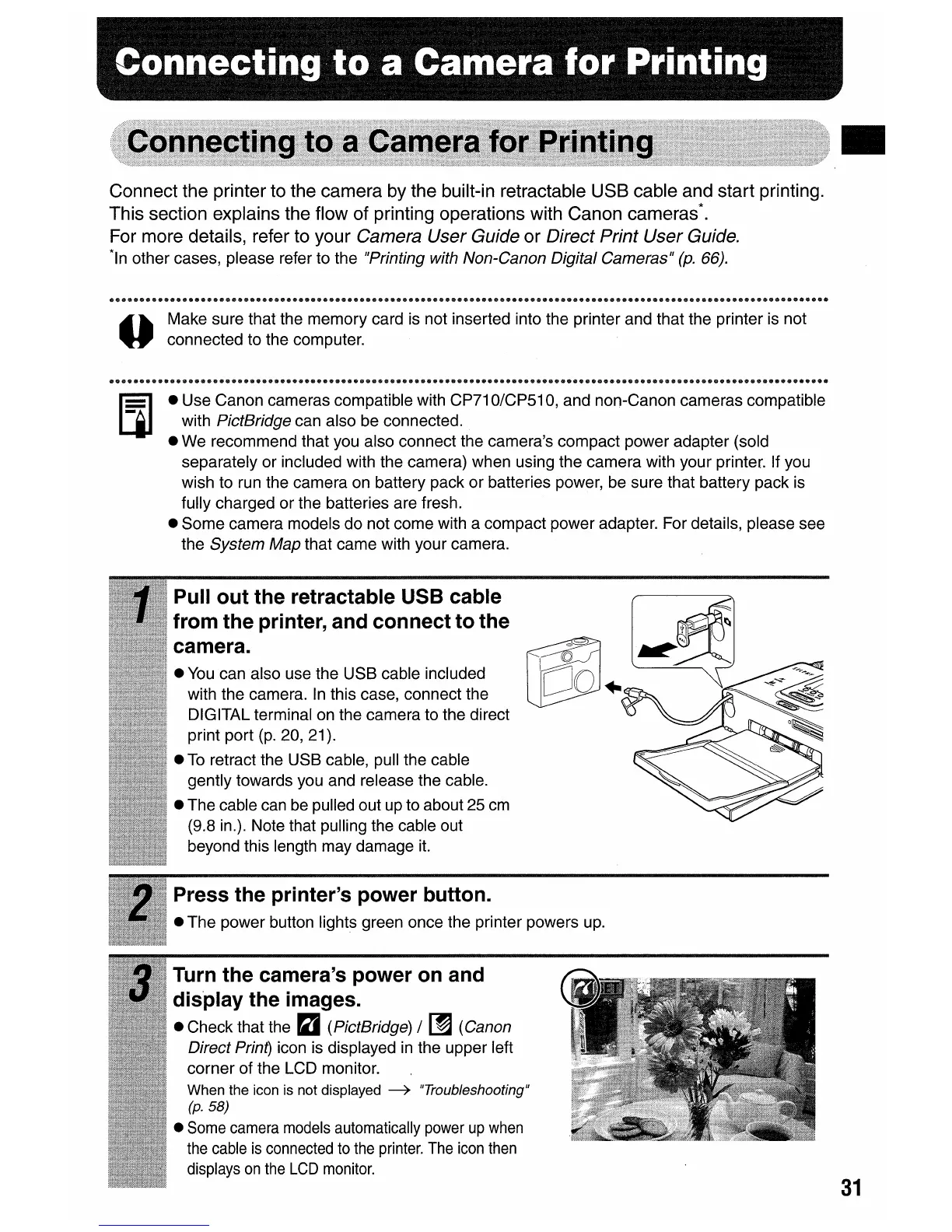
Pull out the retractable USB cable
from the printer, and connect to the
camera.
•
You
can also use the USB cable included
with the camera.
In
this case, connect the
DIGITAL terminal on the camera to the direct
print port
(p.
20, 21).
•
To
retract the USB cable, pull the cable
gently towards you and release the cable.
• The cable can be pulled out up to about 25
cm
(9.8 in.). Note that pulling the cable out
beyond this length may damage
it.















 To Next Page