42
The CP Printer Solution Disk contains software that your computer will require for
printing. Install the software and the printer driver according to the following steps.
ri¥l
The instructions
in
this section are intended for Windows XP and Mac as x (v10.3). If you
UJ
are using another version of
as,
actual screen contents and procedures may differ slightly
from those indicated here.
Windows
• Be sure to install the software and the printer driver before connecting the printer to the
computer.
• Be sure to log on with Administrator privileges (computer system administrator) when
installing the software.
Close any programs that are running.
Place the CP Printer Solution Disk
in
the CD-ROM drive.
•
The
installer panel automatically appears.
If the installer panel does not automatically appear, use the following procedure to start
it.
- For Windows
XP,
click the [Start] button and select [My Computer], double-click the
CD-ROM icon in the next window.
- For Windows 2000, double-click the [My Computer] icon on the desktop, and double-
click the CD-ROM icon in the next window.
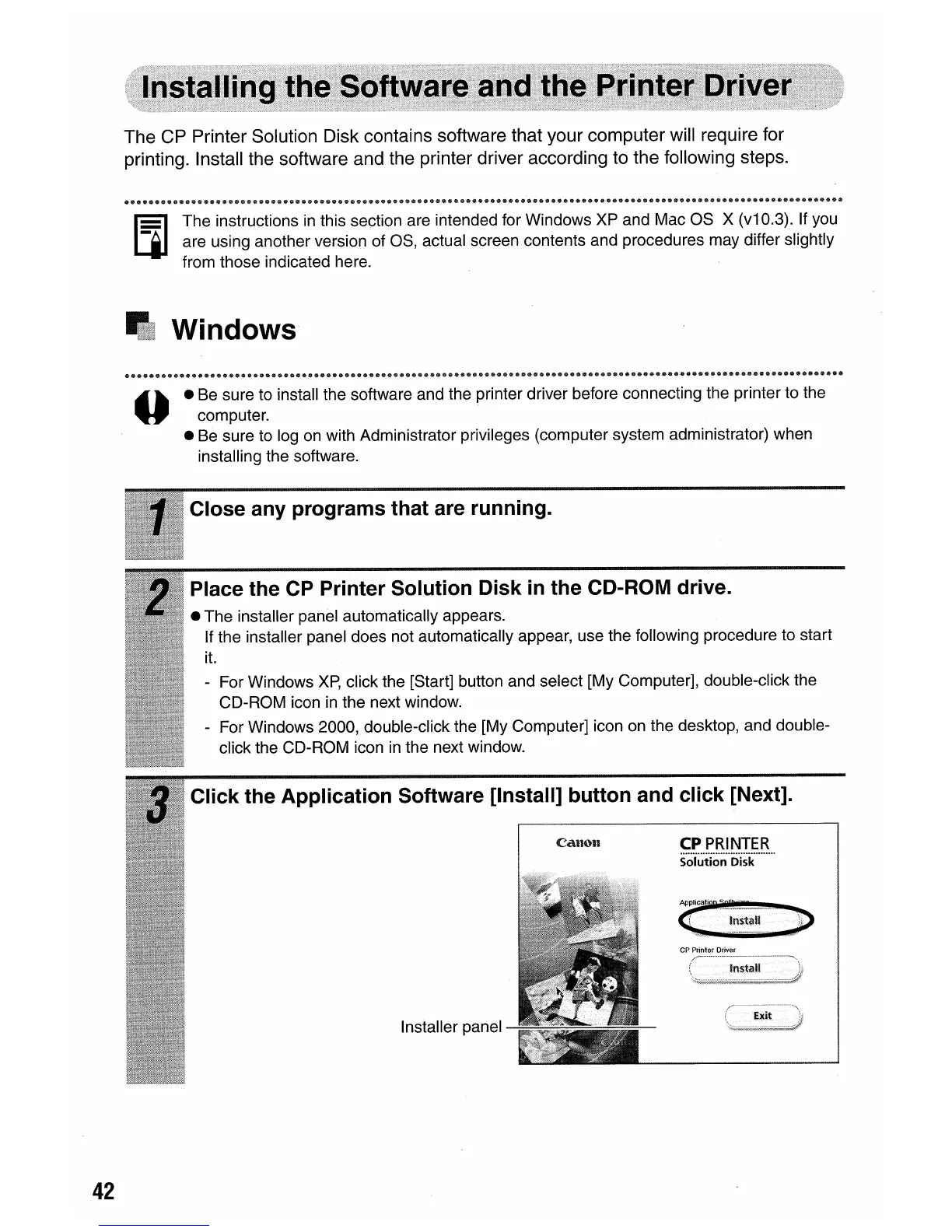
Click the Application Software [Install] button and click [Next].
CPPRINTER
s·o·i~ti~~·(j"i~k········
Installer panel















 To Next Page