You
can make prints according to the DPOF (Digital Printer Order Format) setting
specified on the camera.
Buttons
available
for
this
function
MODE
LAYOUT
DATE
@;-"d4ii
e
'B)
38
• The date setting complies with the DPOF information. The date cannot be set with the
DATE button.
• Layout cannot be specified.
Turn
the
printer
on, and
insert
the
memory
card
into
the
card
slot
(p.34).
Press
the
MODE
button
to
display
ral
(DPOF).
•
ral
(DPOF) cannot be selected when a DPOF-specified image is not found on the
memory card.
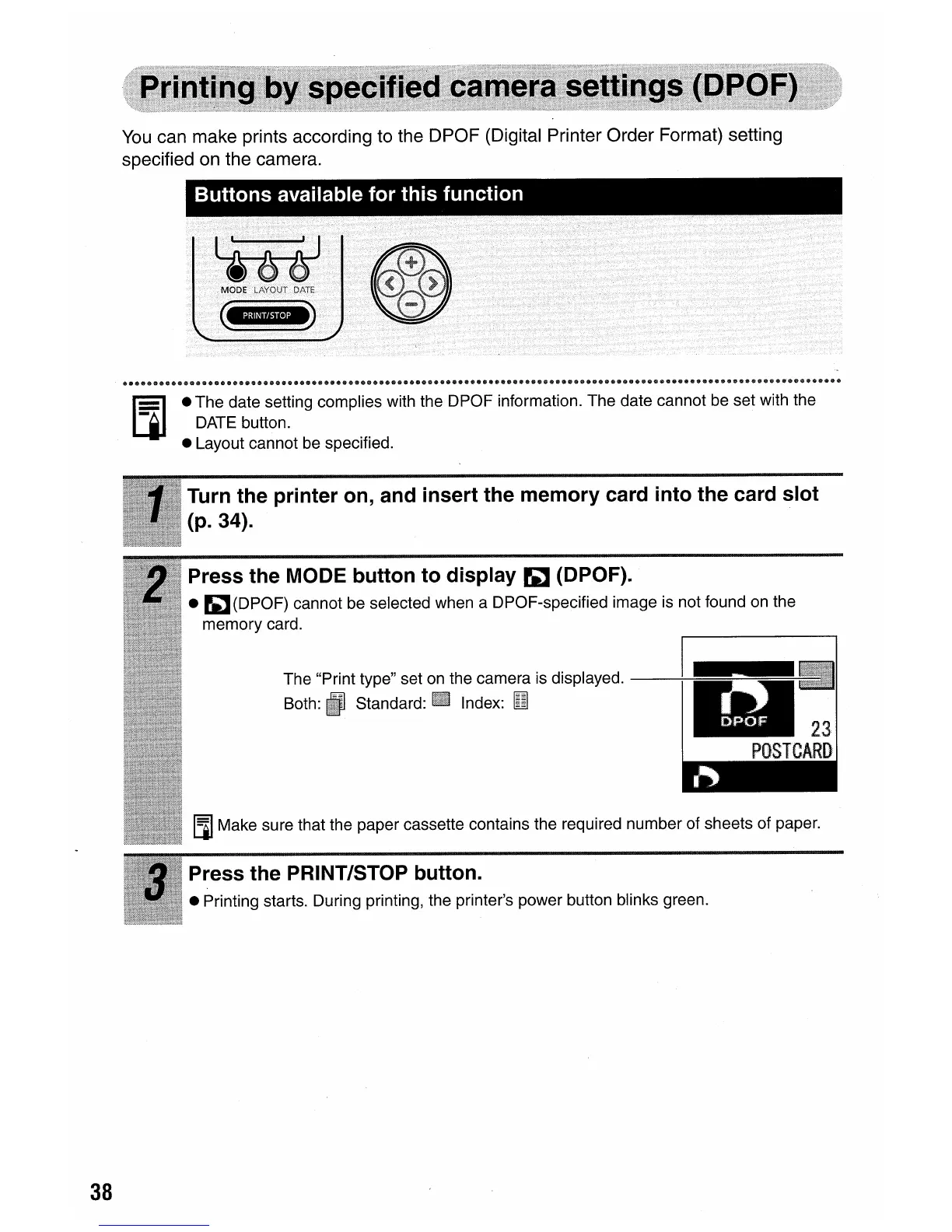
The "Print type" set on the camera is displayed.
--JJ
••
~.IJ
Both: Standard: Index:
lUI
~
23
POSTCARD
III
Make sure that the paper cassette contains the required number of sheets of paper.
Press
the
PRINT/STOP
button
.
• Printing starts. During printing, the printer's power button blinks green.















 To Next Page