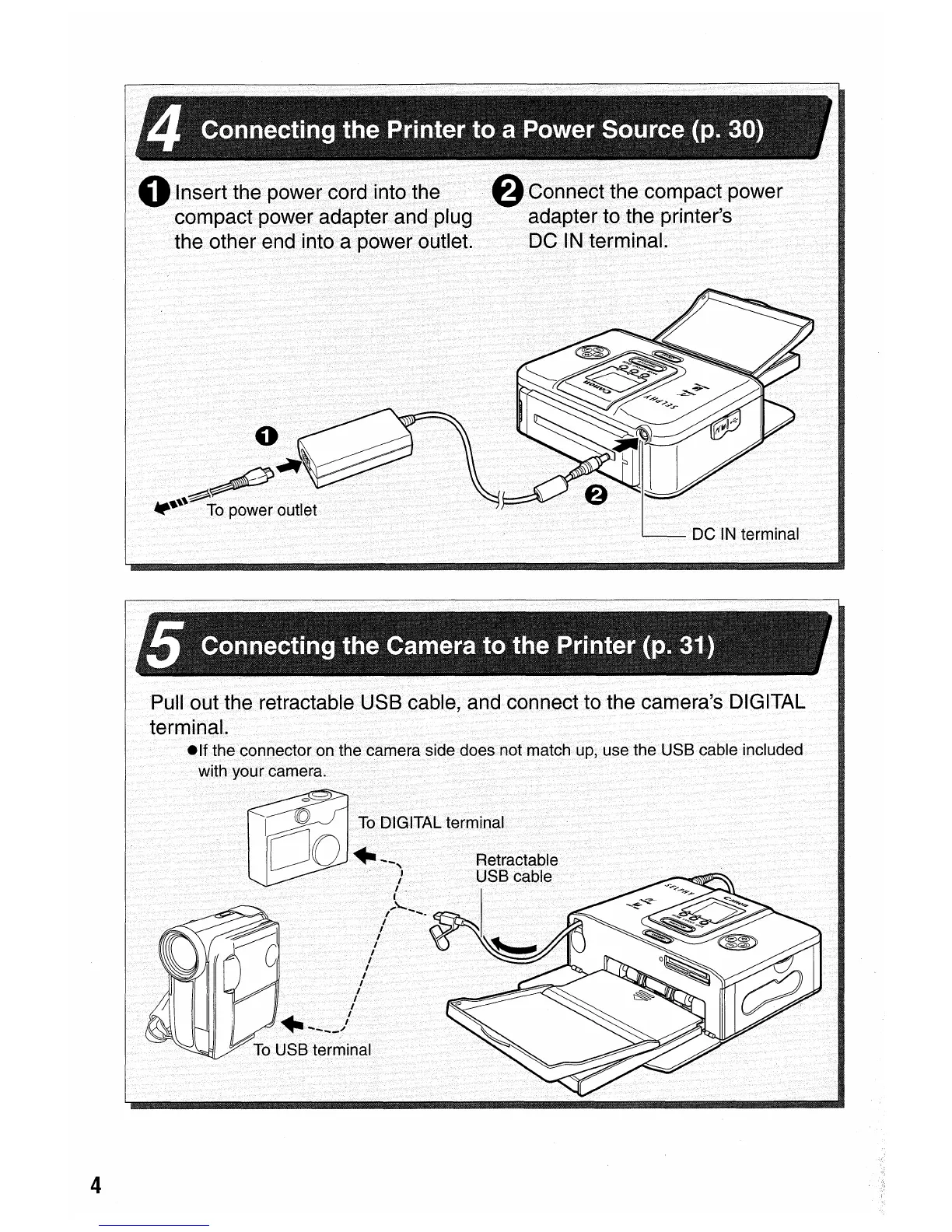
oInsert the power cord into the
compact power adapter and plug
the other end into a power outlet.
o
6
Cormecnhe
compact power
adapter to the printer's
DC
IN
terminal.
4
Pull out the retractable USB cable, and connect to the camera's DIGITAL
terminaL
elf
the connector on the camera side does not match
up,
use the USB cable included
with your camera.
To
DIGITAL terminal















 To Next Page