• Placing the Printer
Usage Location
~
"Usage Location"
(p.
14)
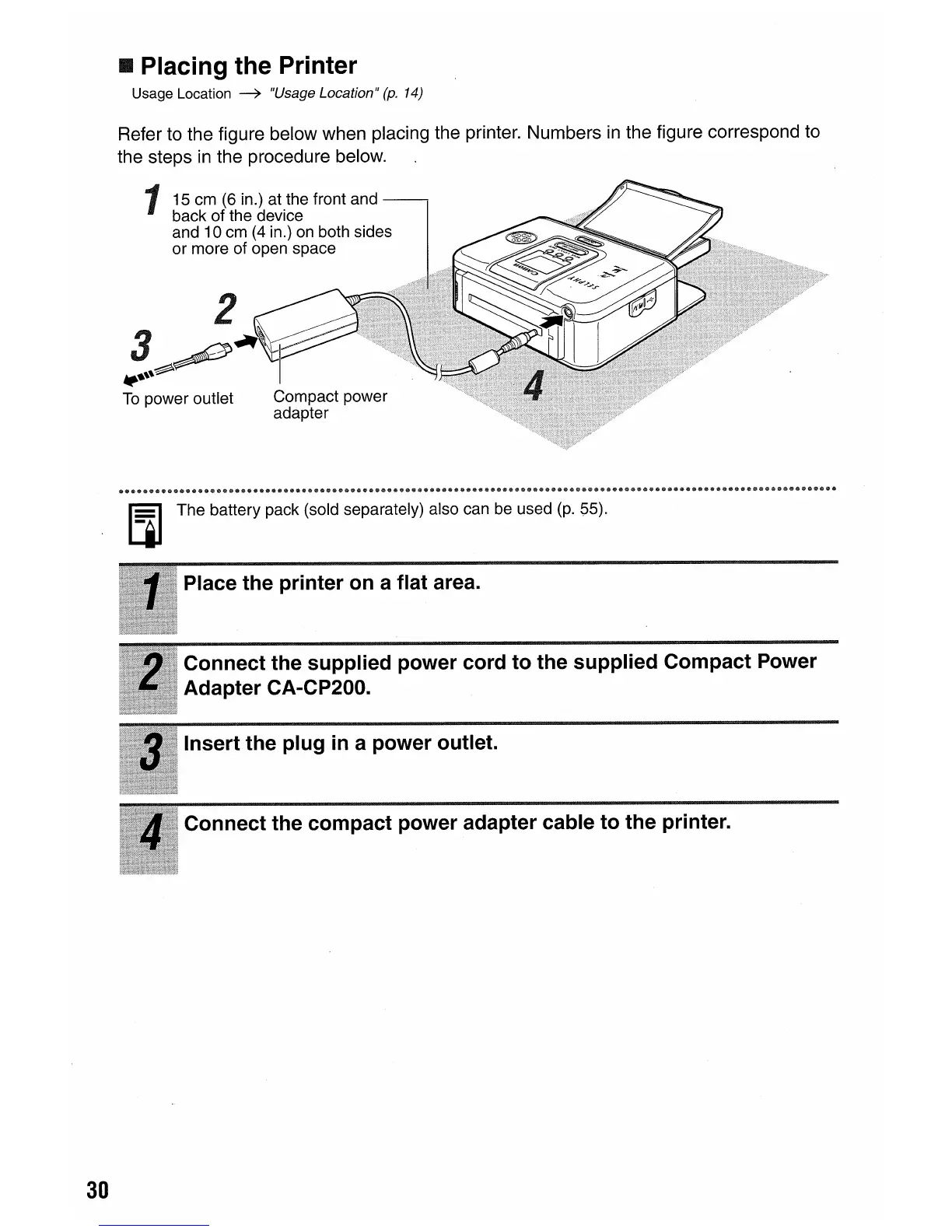
Refer to the figure below when placing the printer. Numbers
in
the figure correspond to
the steps
in
the procedure below.
115
em (6 in.) at the front and
back of the device
and 10 em (4 in.) on both sides
or
more of open space
III
The
battery pack (sold separately) also can be used (p. 55).
30
Place the printer on a flat area.
Connect the supplied power cord to the supplied Compact Power
Adapter CA-CP200.
Insert the plug
in
a power outlet.
Connect the compact power adapter cable to the printer.















 To Next Page