Select [Easy Installation] as the setup type and click [Next].
• Select [Custom Installation] to select programs for individual installation.
------------
Follow the screen messages to proceed. When a dialog box
appears instructing that the installation is complete, click [Finish].
• Restart your computer when a dialog box appears instructing you to do
so.
Next, install the printer driver to your computer.
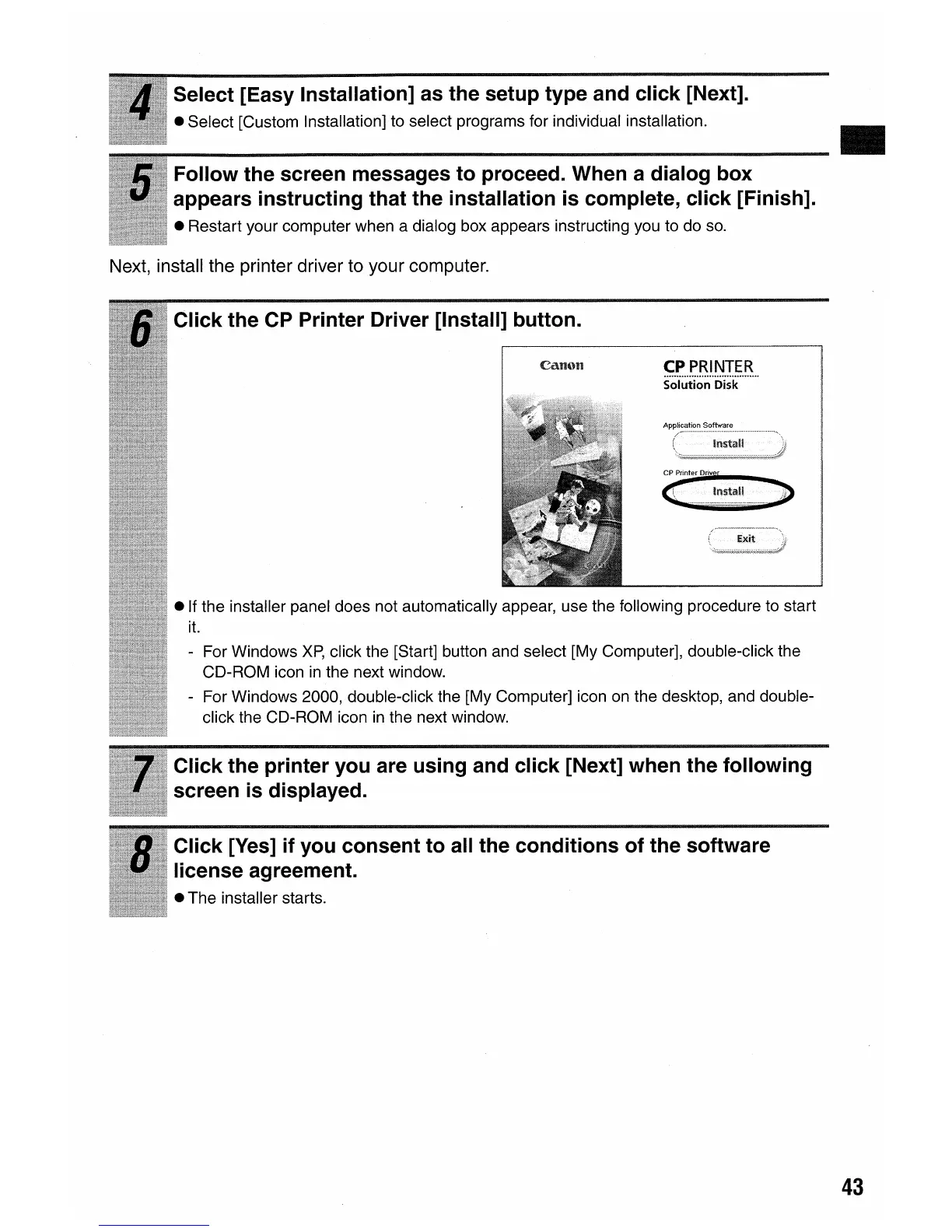
Click the CP Printer Driver [Install] button.
CP
PRINTER
.........................................................
Solution Disk
• If the installer panel does not automatically appear, use the following procedure to start
it.
- For Windows
XP,
click the [Start] button and select [My Computer], double-click the
CD-ROM icon
in
the next window.
- For Windows 2000, double-click the [My Computer] icon on the desktop, and double-
click the CD-ROM icon
in
the next window.
Click the printer you are using and click [Next] when the following
screen
is
displayed.
Click [Yes] if you consent to all the conditions of the software
license agreement.
• The installer starts.
43















 To Next Page