44
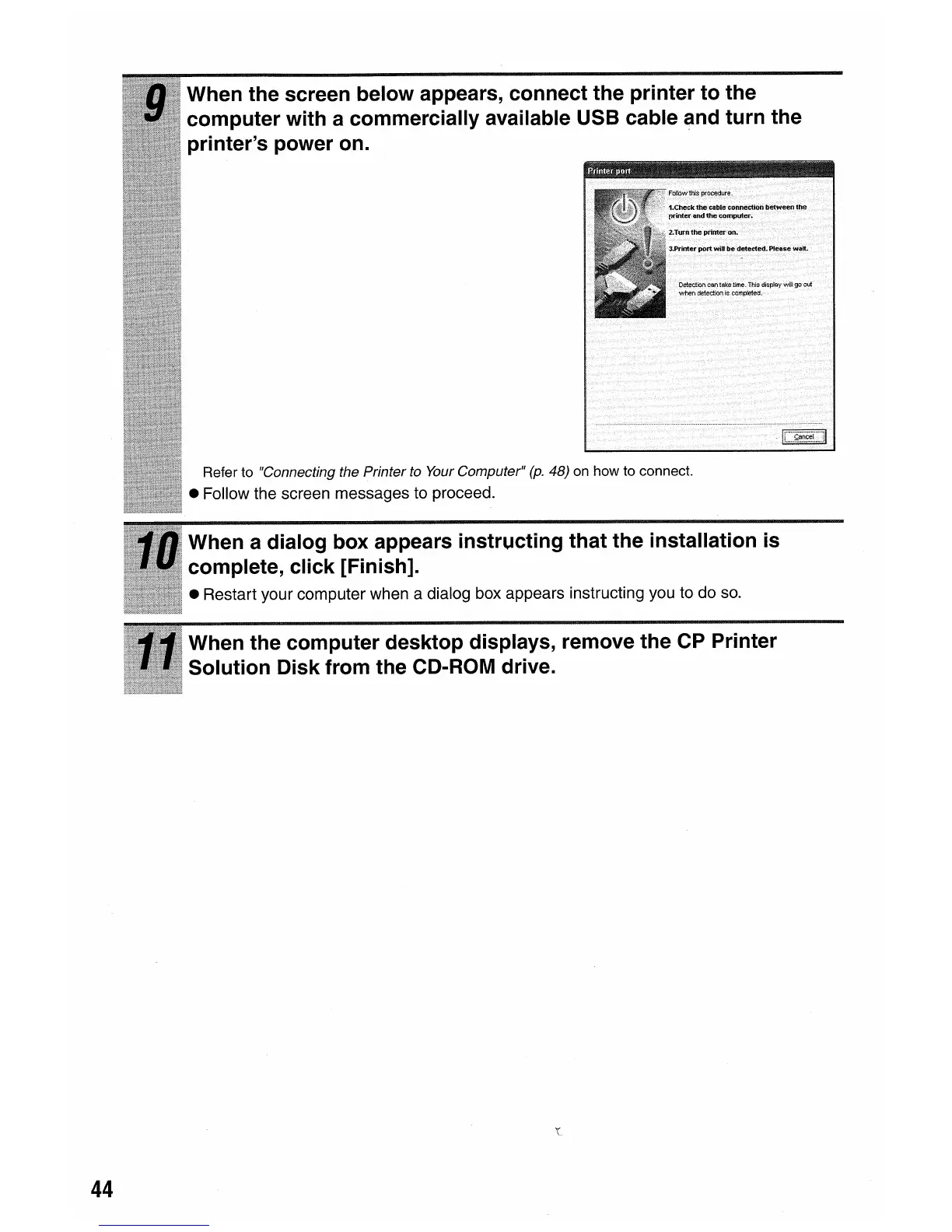
When the screen below appears, connect the printer to the
computer with a commercially available USB cable and turn the
printer's power on.
Refer to "Connecting the Printer to Your Computer"
(p.
48) on how to connect.
• Follow the screen messages to proceed.
When a dialog box appears instructing that the installation
is
complete, click [Finish].
• Restart your computer when a dialog box appears instructing you to do so.
When the computer desktop displays, remove the CP Printer
Solution Disk from the CD-ROM drive.















 To Next Page