Macintosh
Be
sure to install the software and the printer driver before connecting the printer to the
computer.
Quit any programs that are running.
Place the CP Printer Solution Disk
in
the CD-ROM drive, and
double-click the [Canon CP Printer Installer] icon
in
the CD-ROM.
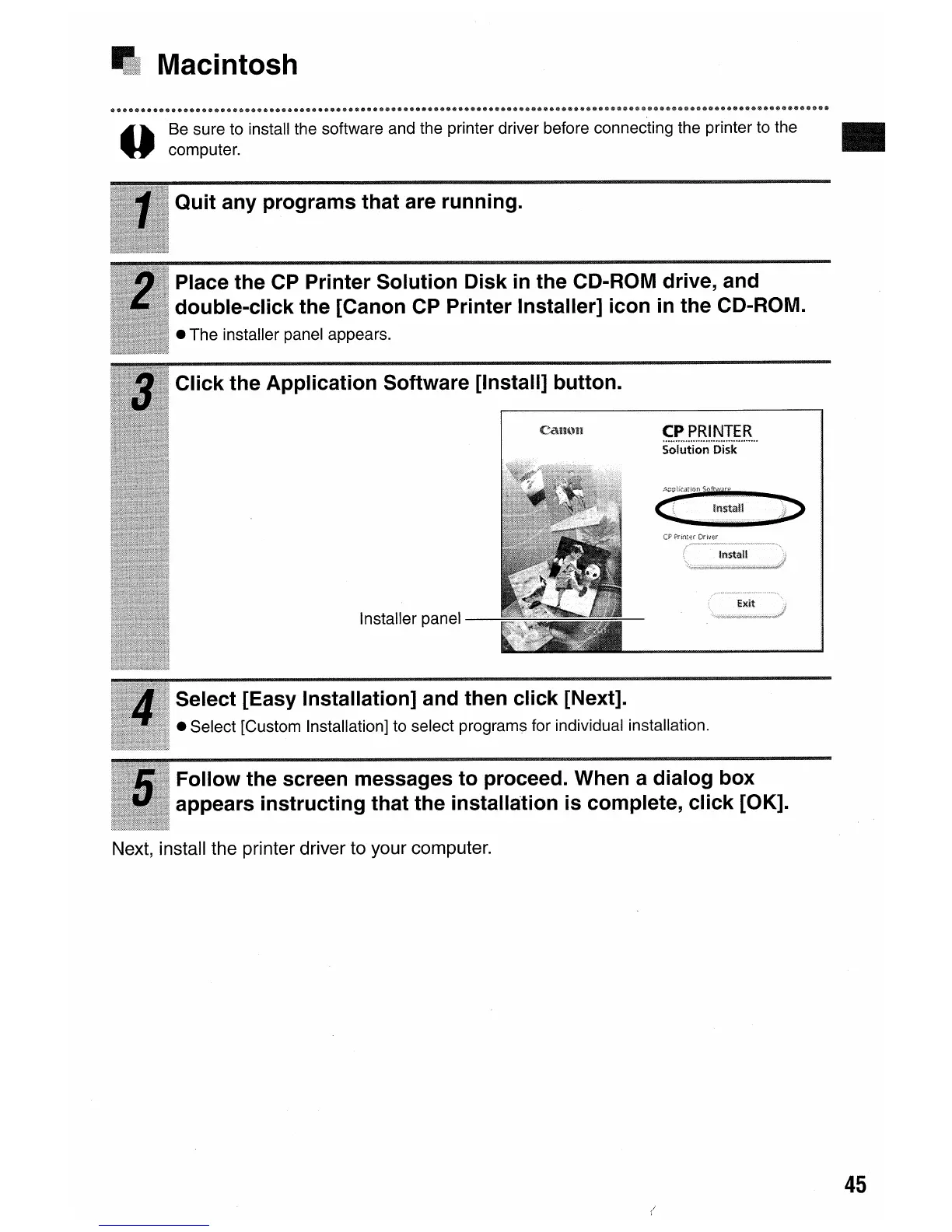
• The installer panel appears.
Click the Application Software [Install] button.
CPPRINTER
s·Olu·1;·lon
..
iiisk
......
··
Installer panel
Select [Easy Installation] and then click [Next].
• Select [Custom Installation] to select programs for individual installation.
Follow the screen messages to proceed. When a dialog box
appears instructing that the installation is complete, click [OK].
Next, install the printer driver to your computer.
•
45















 To Next Page