EasyManua.ls Logo

CanyCom CMX222 - Page 47

CanyCom CMX222
94 pages
Print Icon
To Next Page IconTo Next Page
To Previous Page IconTo Previous Page
Loading...
Operation
-38-
4
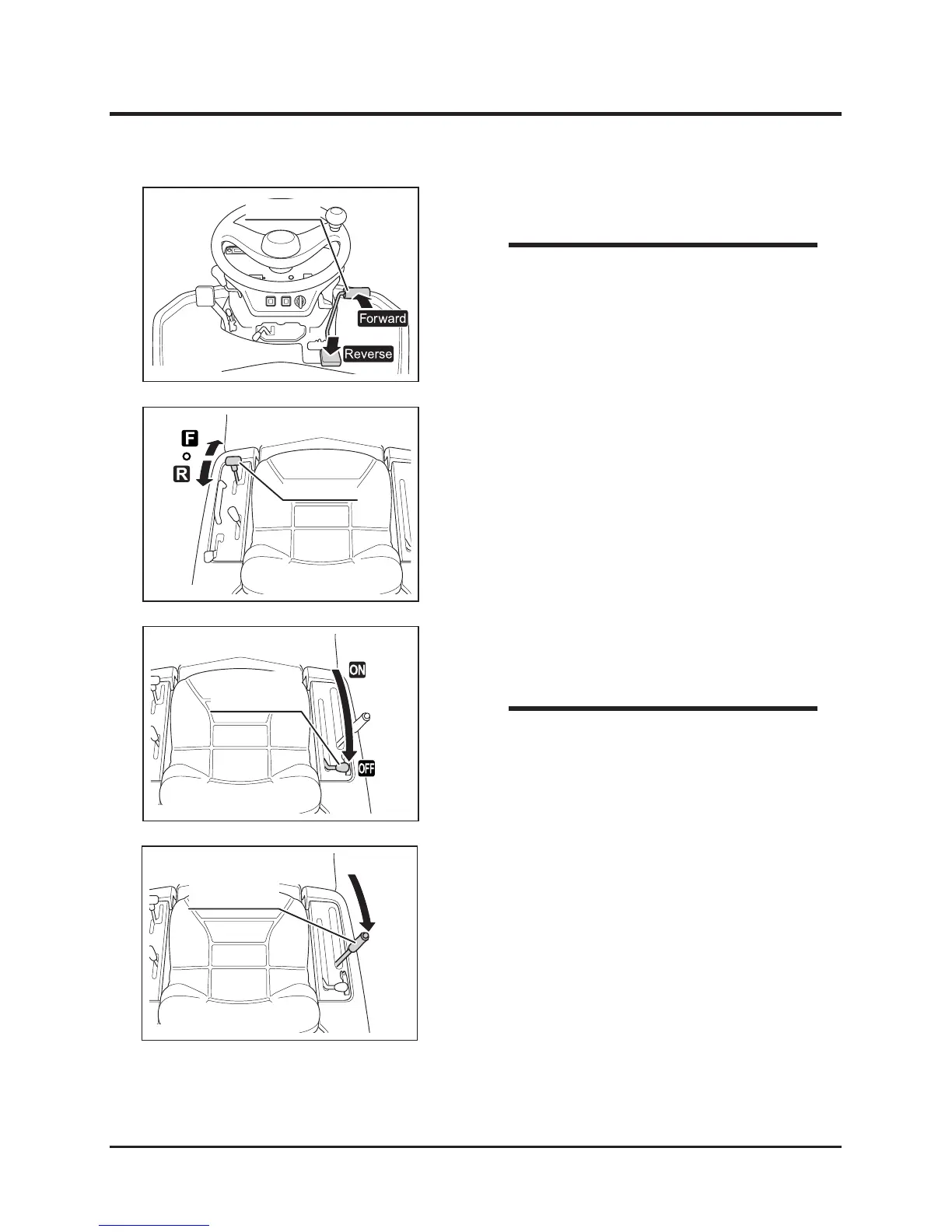
7. Move cutting rotary clutch lever to [OFF] to
stop cutting blade.
6. Drive machine forward to cut.
8. Mo v e cuttin g he ight adj u st lever to
[Transport].
When cutting with this machine for the rst
time, start on a at surface. Drive slowly
and in an overlapping pattern.
If load to cutting blade is high, drive slowly,
or cut twice.
Safety feature: engine stops automatically if
operator leaves seat while cutting blade is
rotating.
NOTE

Moving cutting rotary clutch lever to [OFF]
applies brake on cutting blade to stop.
NOTE
5323M-0402-130E
Drive Pedal

Table of Contents

Related product manuals