CS 1200 Intraoral Camera User and Installation Guide (9H1809)_Ed04 7
Image Toolbar
The image toolbar enables you to capture, view, and manage a still image.
Common Video and Image Toolbar
The following buttons are sharedby the video and image screens:
Image Gallery Toolbar
The image gallery toolbar enables you to manage videos and images displayed in the image gallery.
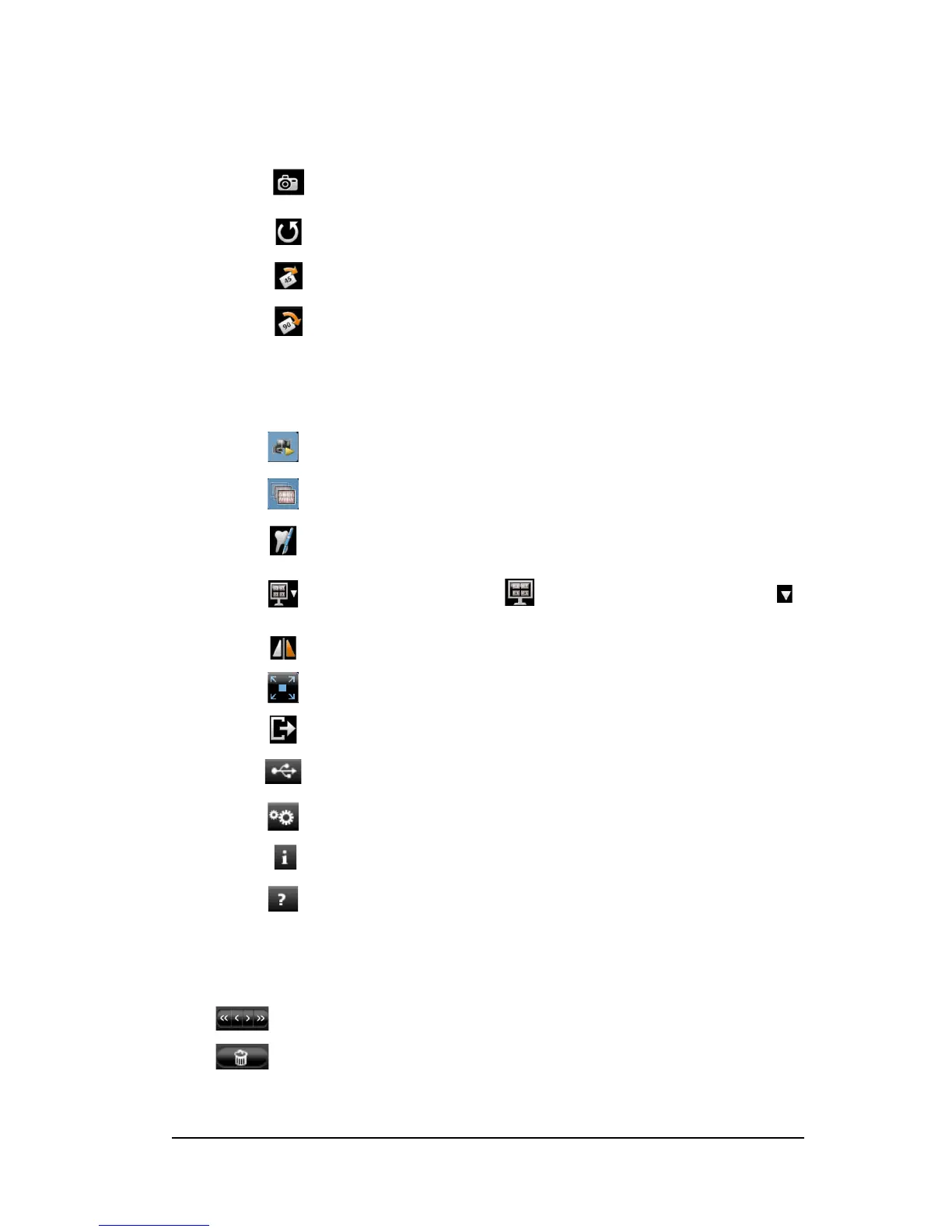
Capture button: Captures an image.
Reset button: Clears all changes made to an image.
Rotation button: Rotates an image 45°.
Rotation button: Rotates an image 90°.
Live video button: Launches the live video.
Review button: Reviews images and recorded videos.
Tooth chart comment button: Accesses the tooth chart dialog box to associate
a tooth/teeth with the selected image and enables you to write comments in the
Comments field.
Select a format button: Click to access the last selected format. Click
to access the Select a format dialog box to select a new display format.
Mirror image and Video button: Mirror the live video and the captured images.
Full screen button: Displays the live video, recorded video, and the captured images
in full screen.
Exit button: Closes the acquisition interface.
USB connection status icon: Displays the camera USB connection status.
If the icon is red, the USB is disconnected.
Preference button: Accesses the preference dialog box.
Information button: Accesses information on the software version, firmware version,
and camera serial number.
Online help button: Accesses the online help.
Scroll button: Scrolls images and recorded videos in the image gallery.
Delete button: Deletes selected images and recorded videos.



 To Next Page