10 Chapter 3 CS 1200 Software Overview
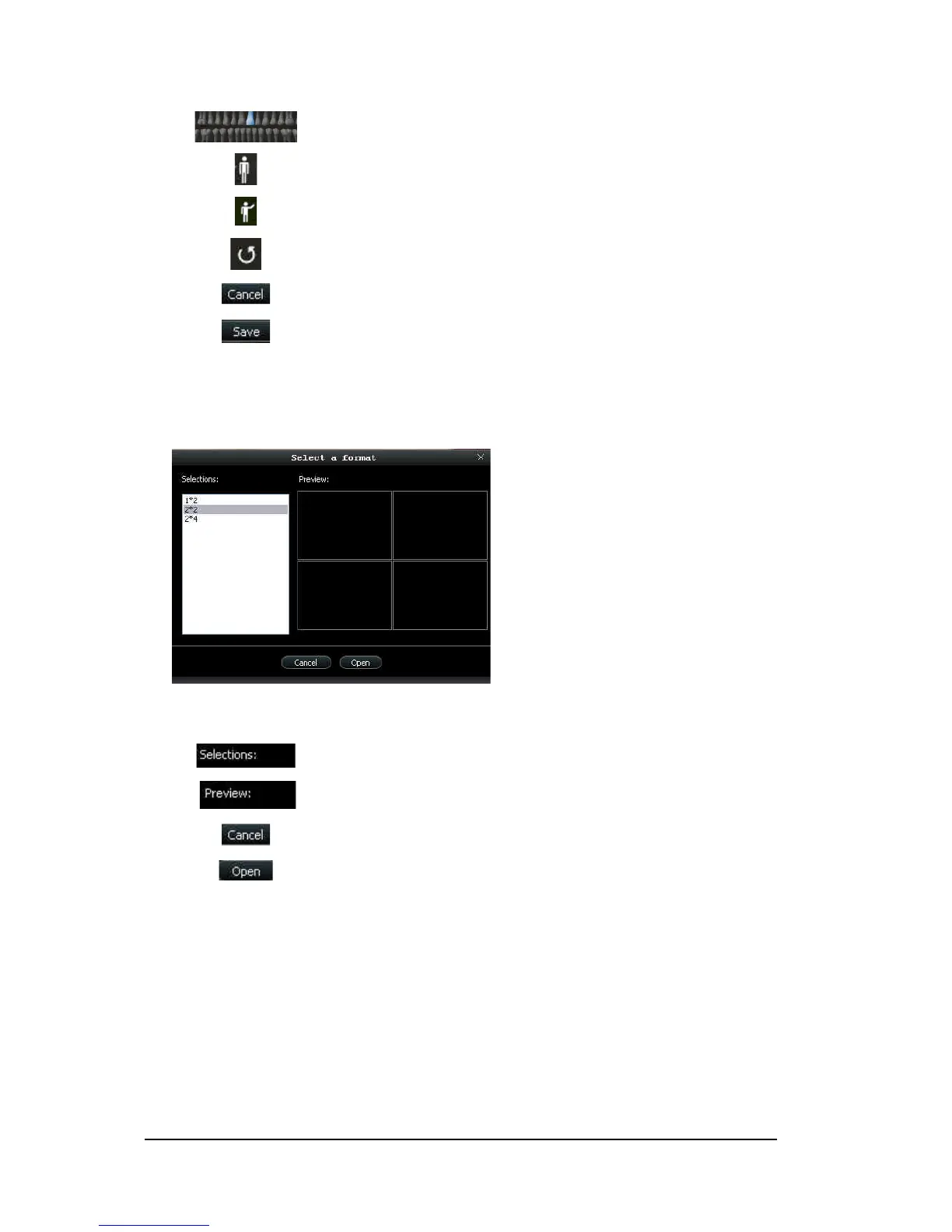
Select a Format Dialog Box
The Select a format dialog box enables you to select the display format you want.
Figure 6 Select a Format Dialog Box
Dental arch: Enables tooth selection.
Adult dental arch: Enables tooth selection for an adult.
Child dental arch: Enables tooth selection for a child.
Reset button: Clears all tooth selections.
Cancel button: Cancels all tooth selections.
Save button: Saves tooth selections.
Selection field: Enables you to select the display format you want.
Preview field: Enables you to preview the selected display format.
Cancel button: Cancels the format selection.
Open button: Opens the format selection.



 To Next Page