CS 1200 Intraoral Camera User and Installation Guide (9H1809)_Ed04 25
7 Capturing Images on a Monitor and
Transferring Images to a Computer
Monitor Interface Overview
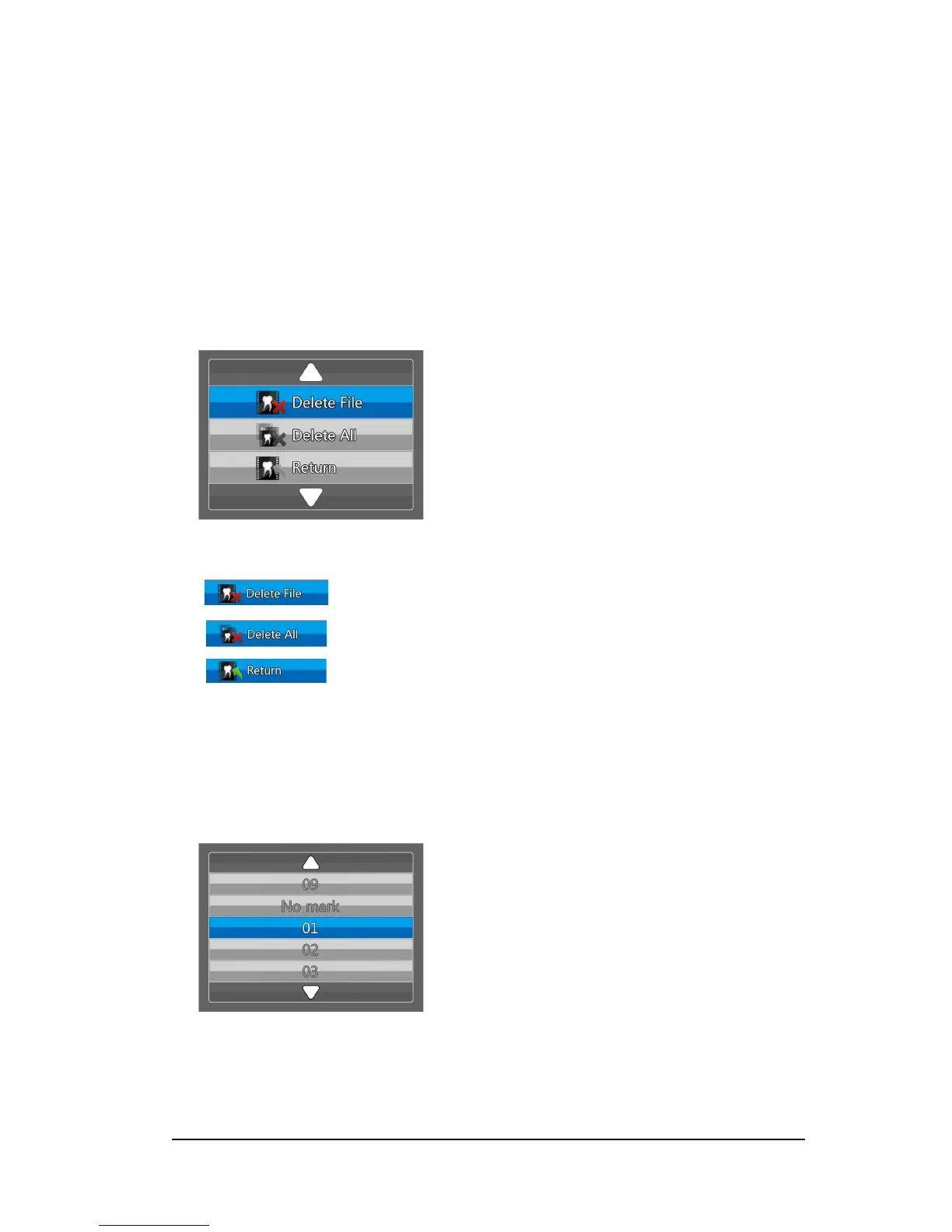
Delete File Dialog Box
The Delete File dialog box enables you to select delete options for the current image.
Figure 11 Delete File Dialog Box
Patient Number Dialog Box
The Patient Number dialog box enables you to assign a number to each patient. The selected number
is displayed on the monitor and on each image of that specific patient. At the same time, you can have
a total of 9 patients.
Figure 12 Patient Number Dialog Box
Delete File button: Enables you to delete the current image.
Delete All button: Enables you to delete all images stored in the camera.
Return button: Returns to the review mode.



 To Next Page